

Introducing AI Reception to connected merchants
Plan how connected merchants discover AI Reception, understand supported menu visibility, and move to their own subscription and setup journey.

Following up a gym enquiry with useful information
Help your fitness team answer gym enquiries clearly, record the person’s question and agree a next step without assuming they want a membership.
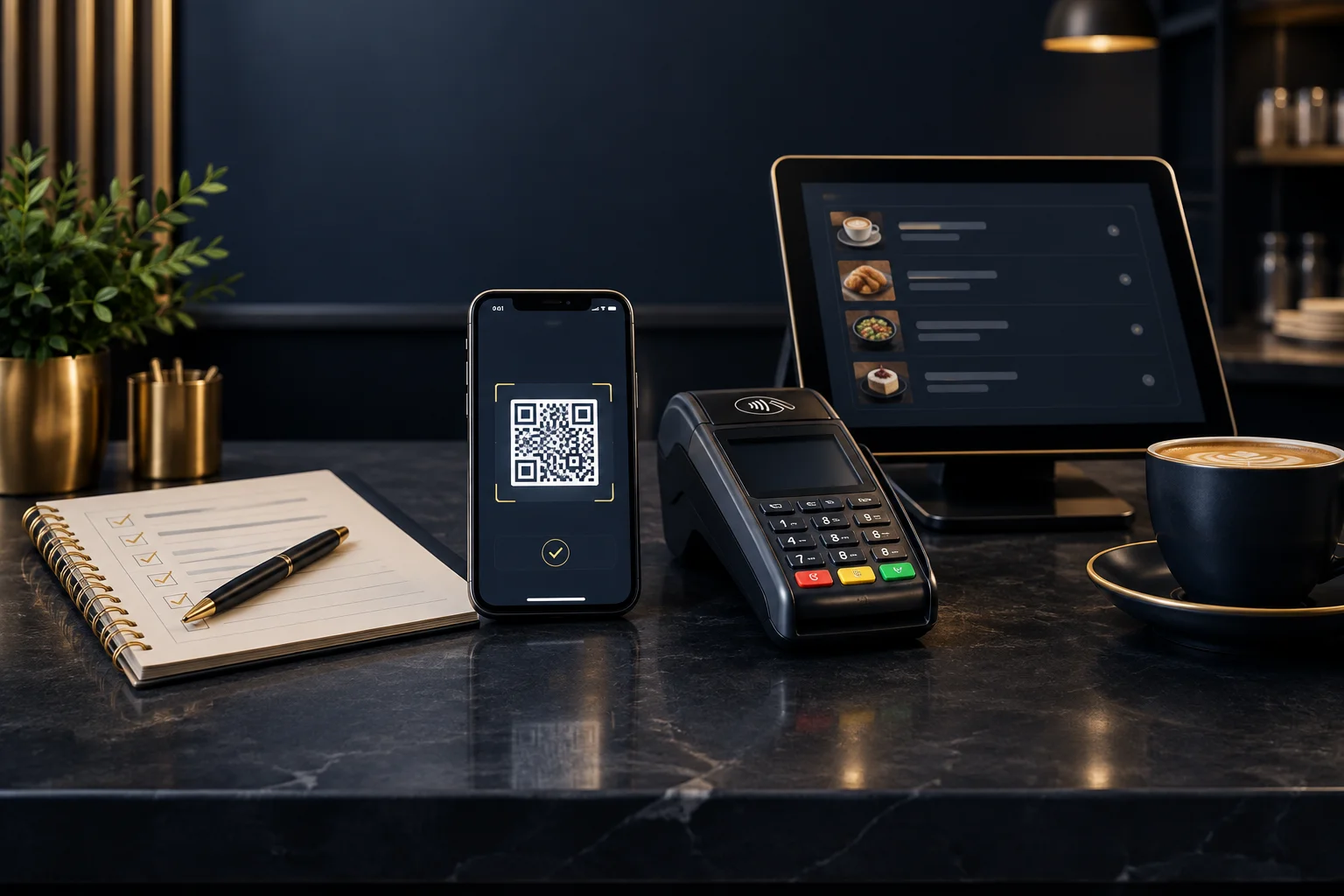
Checking a QR payment journey before displaying it to customers
Check your café’s QR payment destination, amounts, mobile screens and payment records before putting a code on tables, menus or the counter.
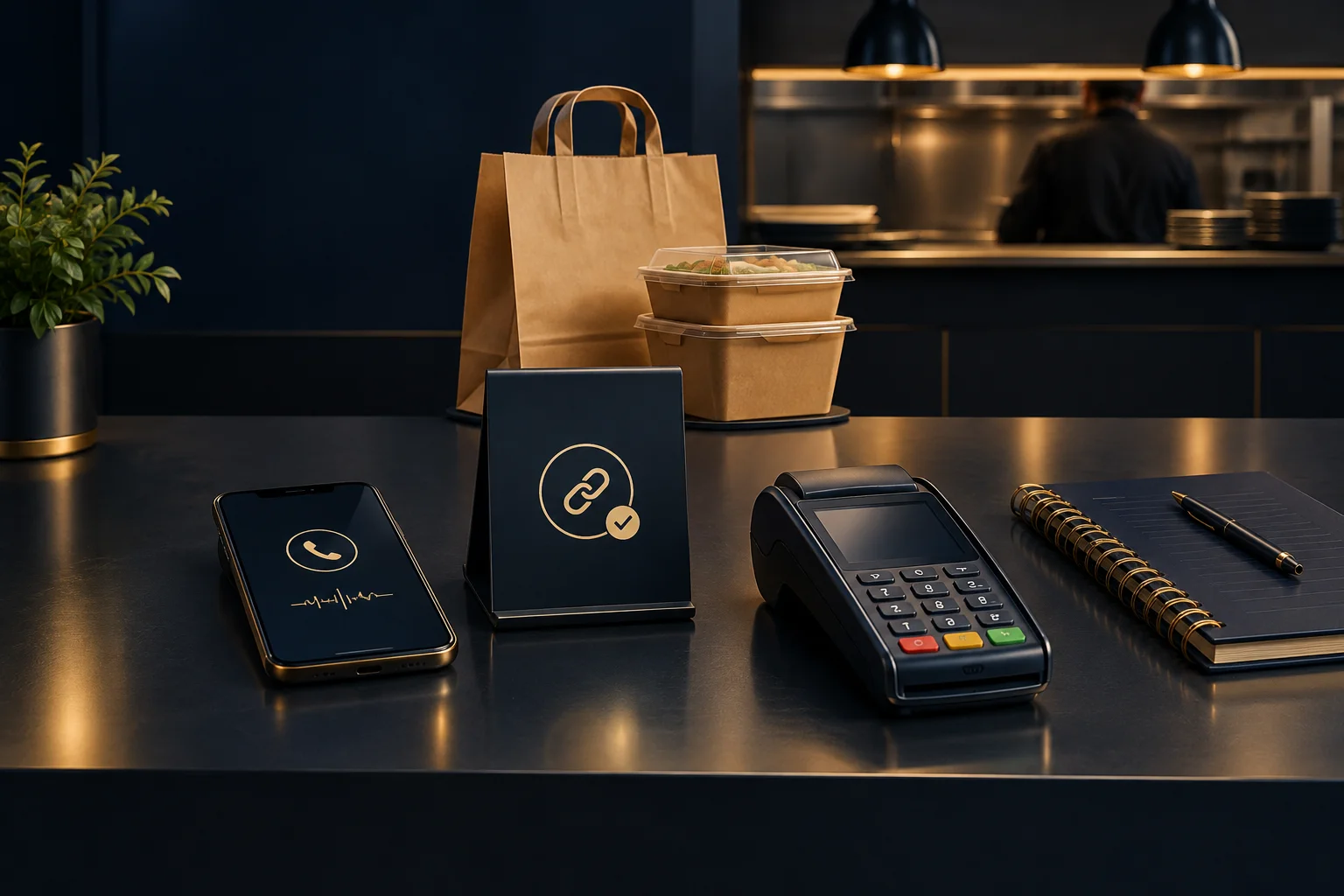
Taking telephone orders without asking customers to read out card details
Follow a practical takeaway workflow: confirm the telephone order, send a secure checkout link and check payment before releasing it to the kitchen.

Planning a collection route around real customer constraints
Plan wholesale collection rounds around customer windows, site access and team capacity, with clear responsibilities and a practical test scenario.
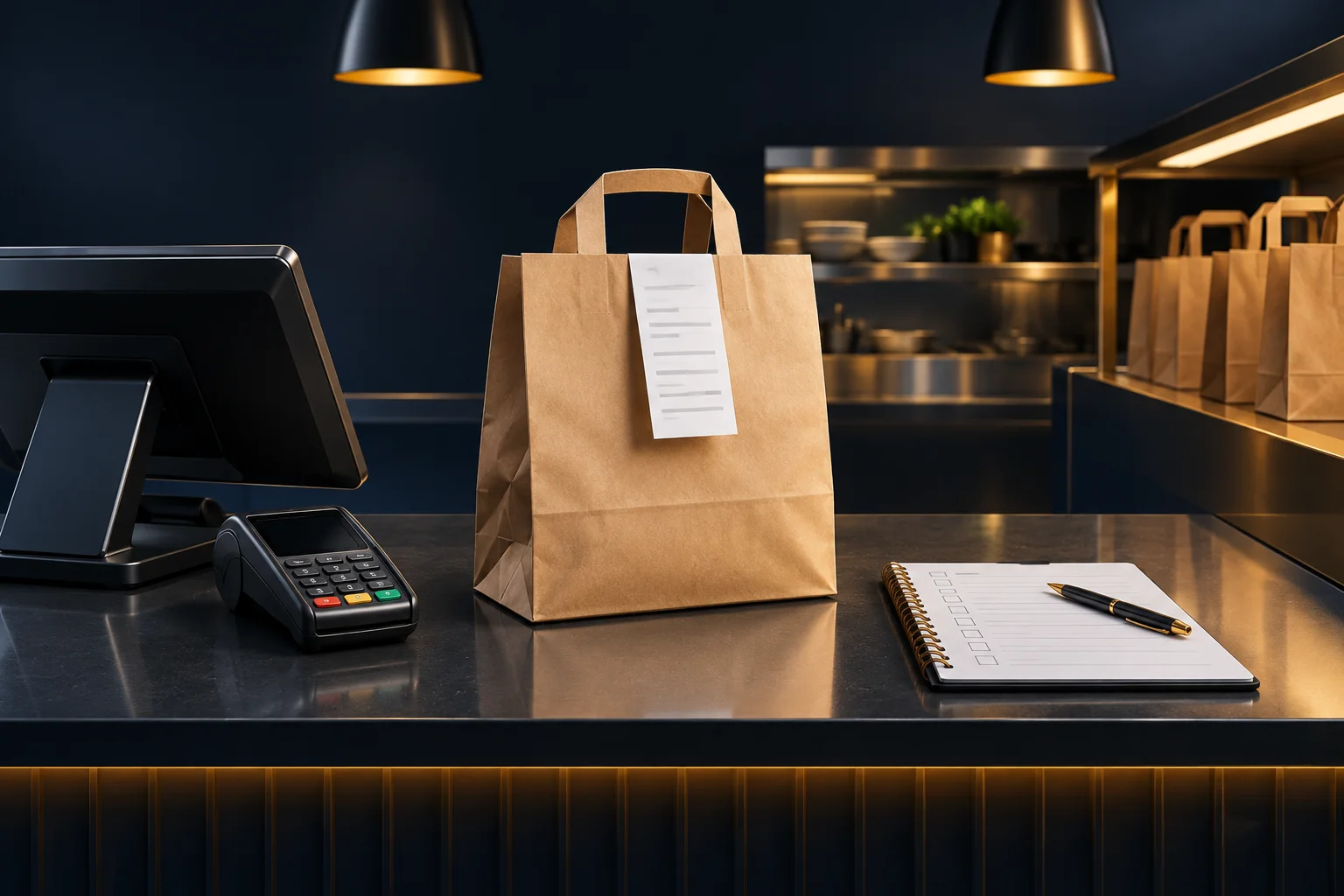
Collection orders: setting expectations from checkout to handover
Help takeaway customers know when and where to collect, what order details to bring and how staff should check each bag before handing it over.

Counter, table or mobile: choosing a card payment workflow
Compare counter, table and mobile card payment workflows, including staff handovers, device checks and practical ways to confirm payment before fulfilment.
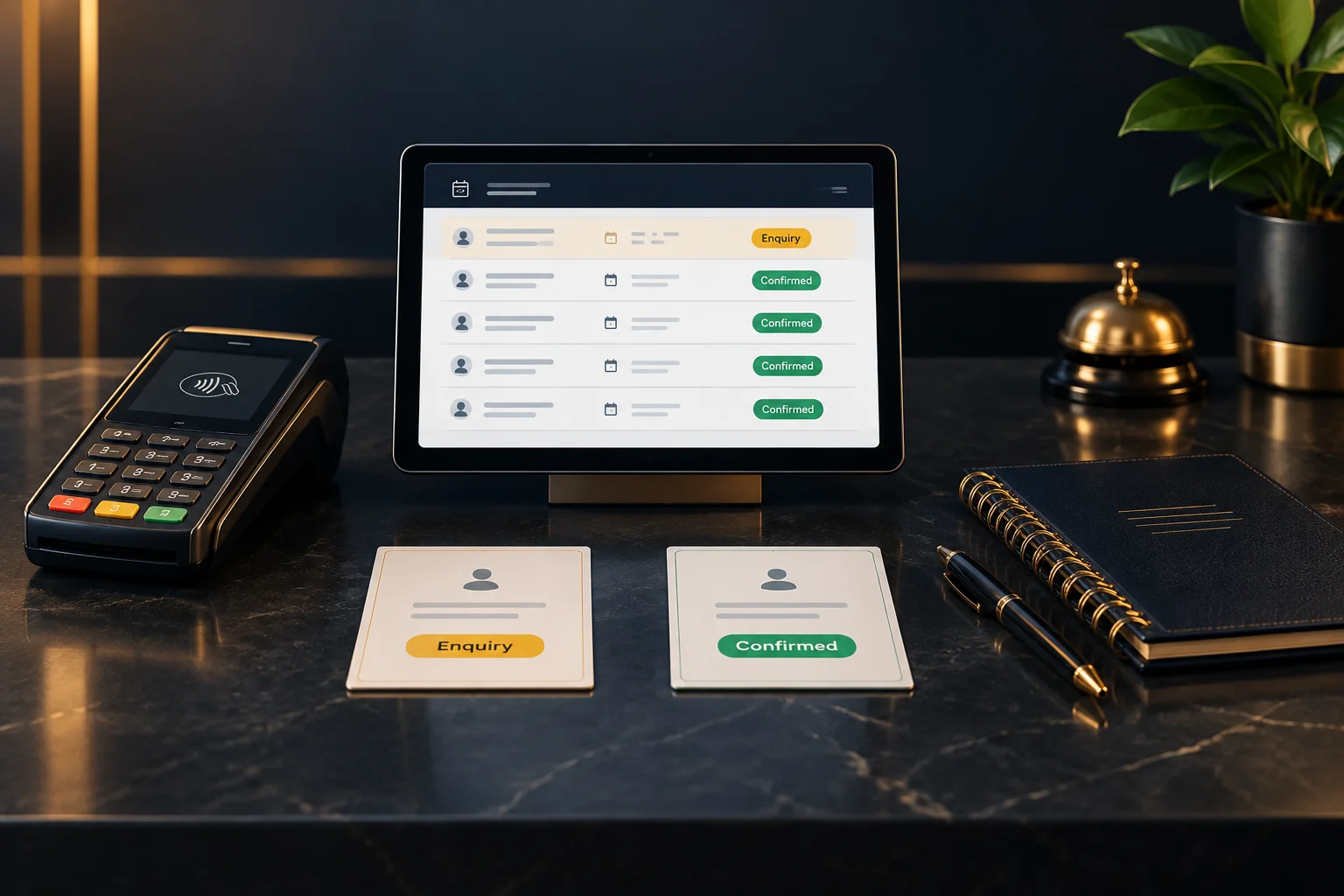
Booking enquiry or confirmed appointment: keep the distinction clear
Help staff distinguish booking enquiries from confirmed appointments by checking the booking record, approval requirements and any payment conditions.

NeroBusiness: a first setup checklist for your team
Get your team ready for NeroBusiness: check profile details, account status, issued UK account details, responsibilities and your first transfer records.
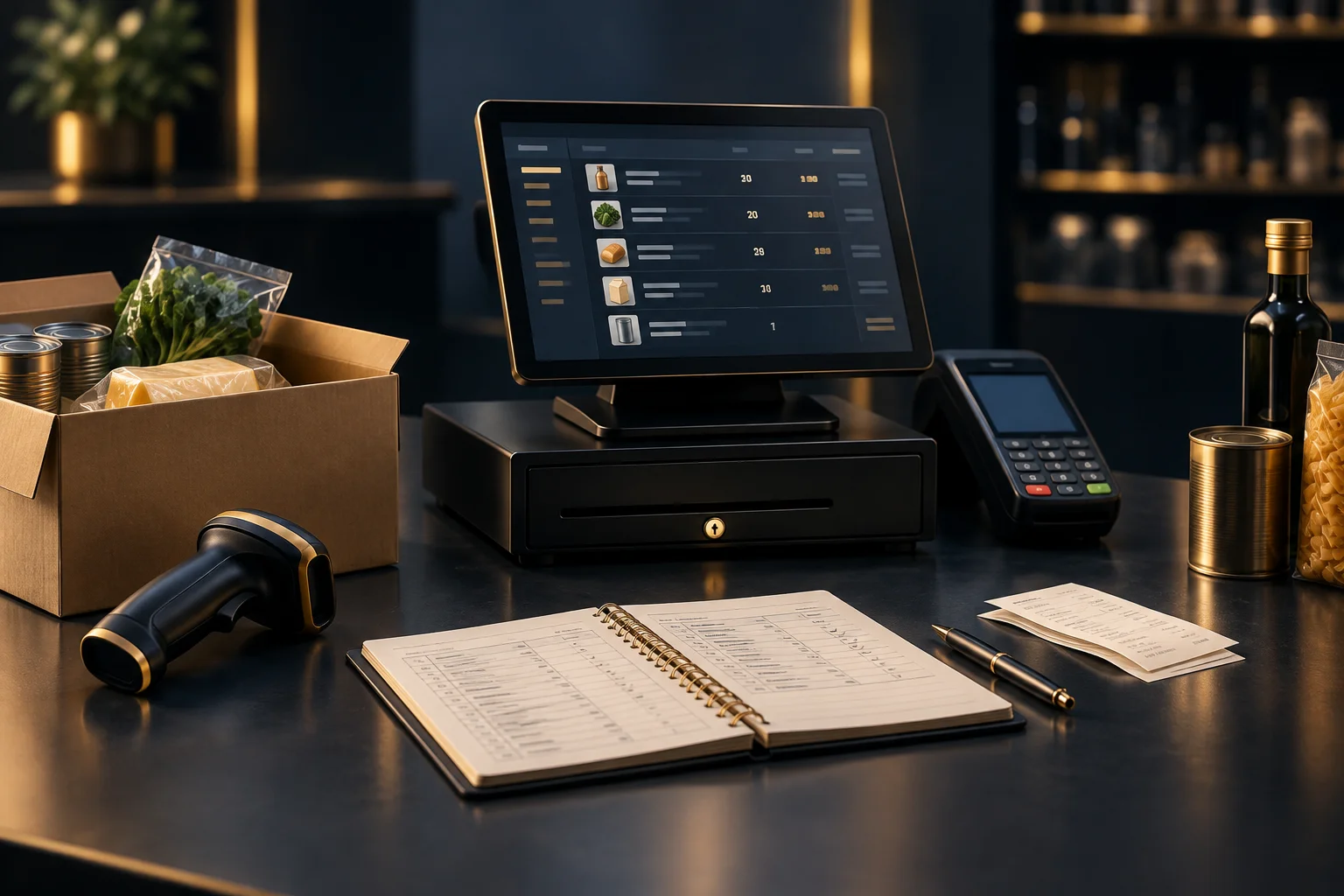
Stock counts and till records: finding the source of a mismatch
Find why a physical stock count differs from till records. Check item identifiers, quantities, adjustments and transactions before making a correction.
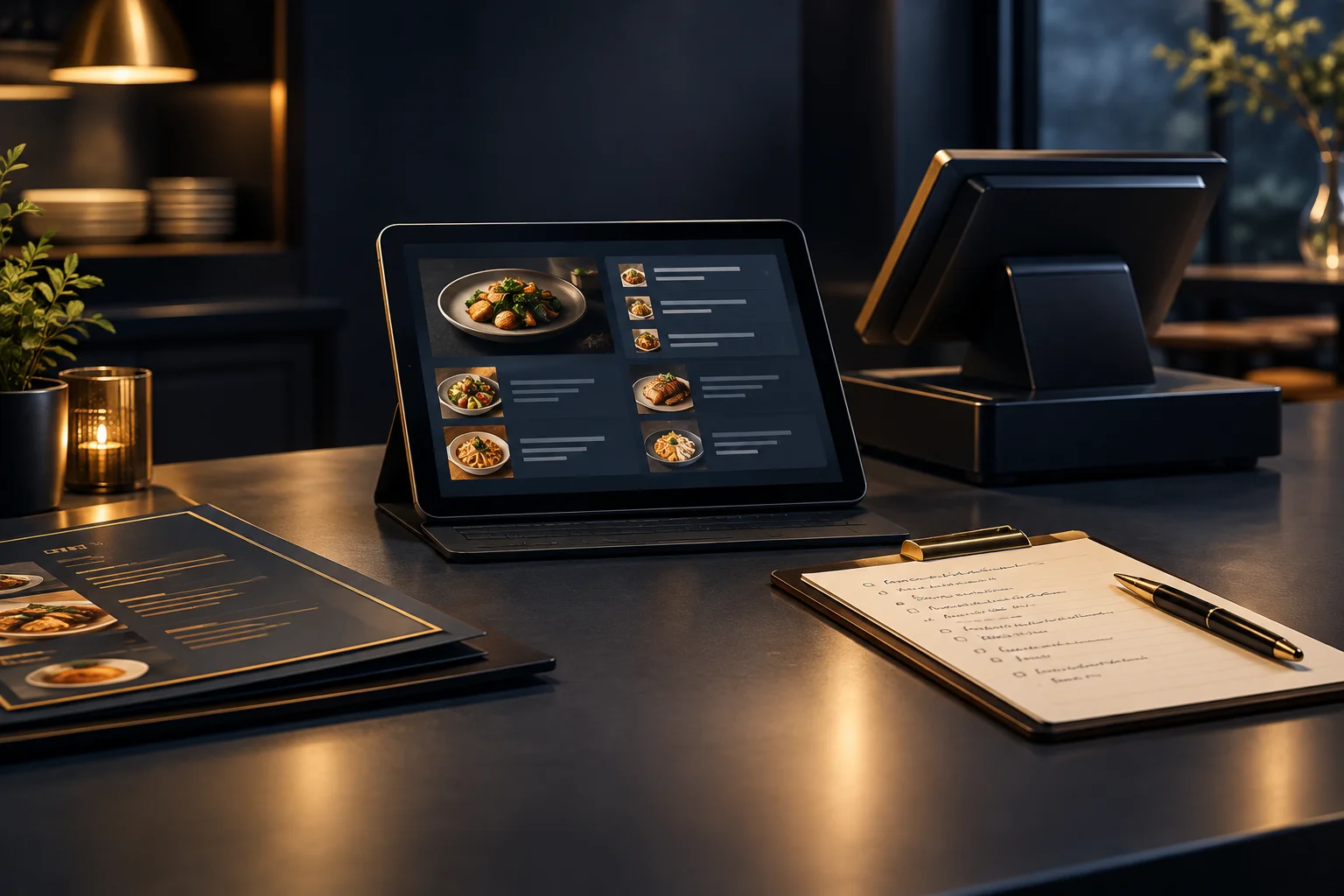
Changing a menu without surprising returning customers
Help returning customers understand menu changes with a clear staff handover, consistent item names and practical checks of the online ordering journey.
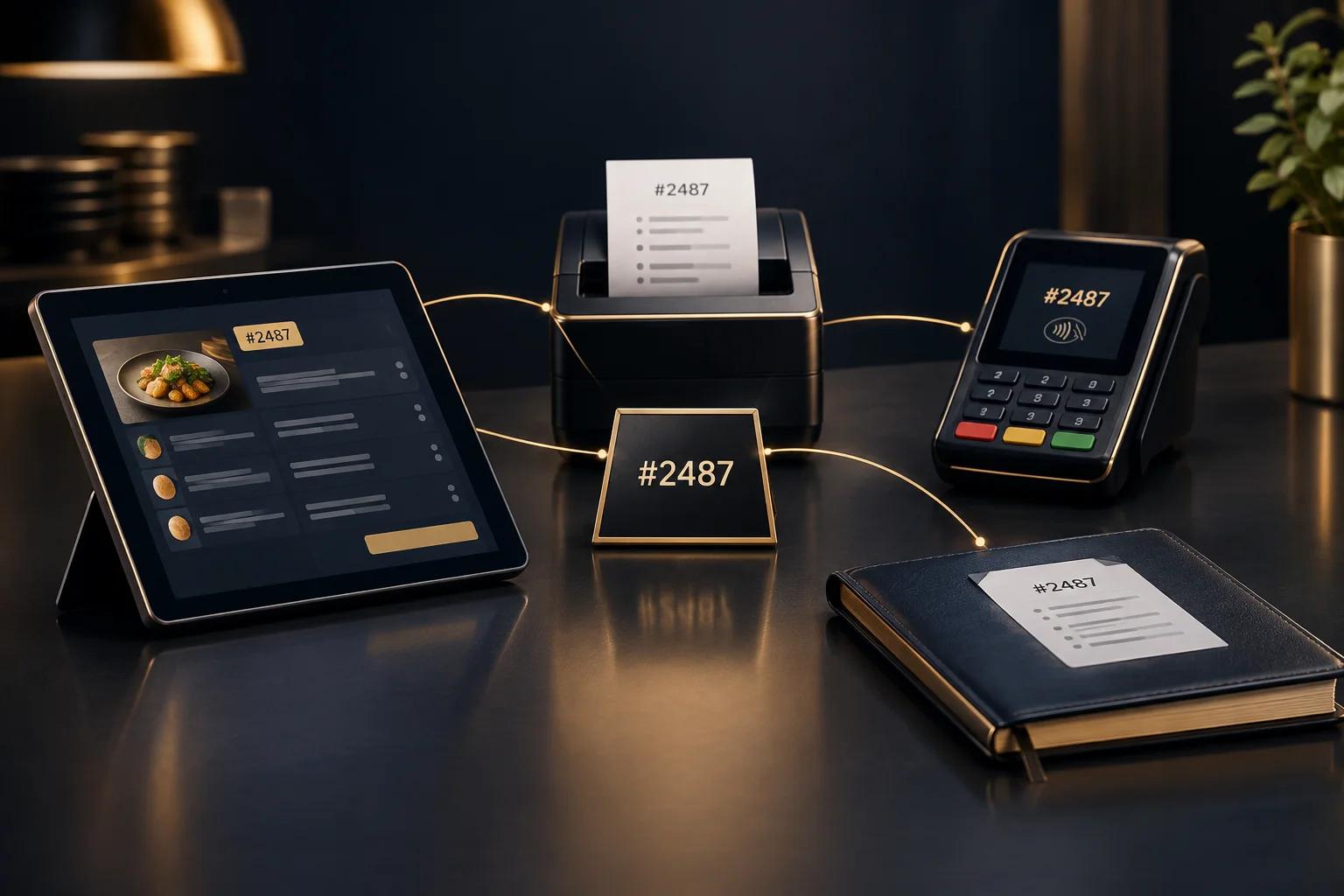
One customer request, several systems: where should the reference live?
Decide where enquiry, order and payment references belong, link records without assuming automatic updates, and make customer handovers easier to follow.