
Card terminals.
POS. And more.
Ready to order.
From your first card machine to a connected counter, kitchen and shop floor. Find the NeroPay setup that fits the way you work.

A better fit for every
part of your business.
Choose your hardware here, then select options and complete your order in the NeroPay Store.
NeroPay Flex Terminal
One handheld terminal. A built-in receipt printer. Take payments at the counter or around your premises, then hand your customer a printed receipt.
Explore available options in the NeroPay Store. Connectivity depends on your setup and network coverage.
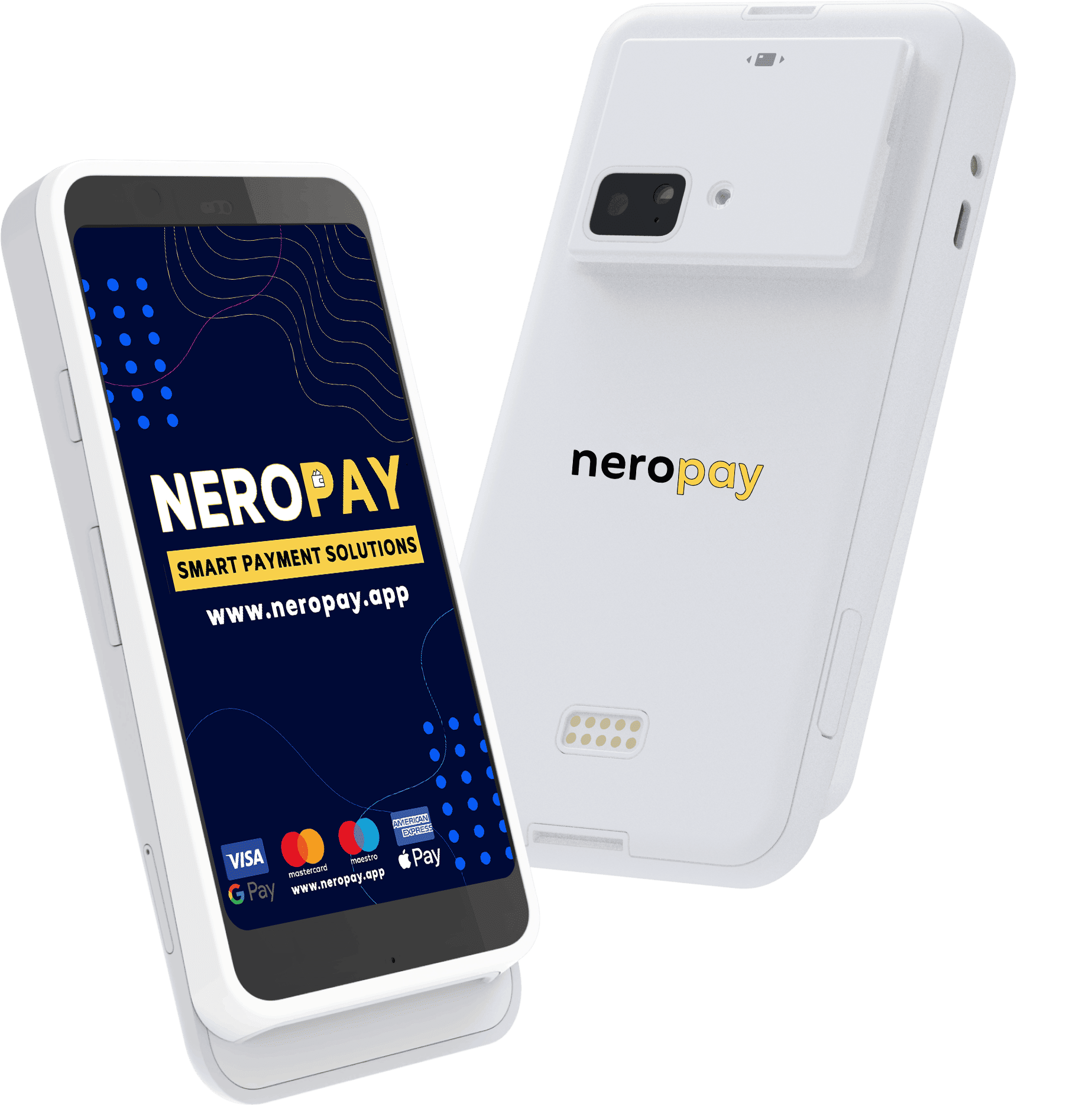
Card Terminal PRO+
A touchscreen Android terminal for contactless, chip and mobile wallet payments, at the counter or around your premises.
Explore available configurations and payment options in the NeroPay Store.
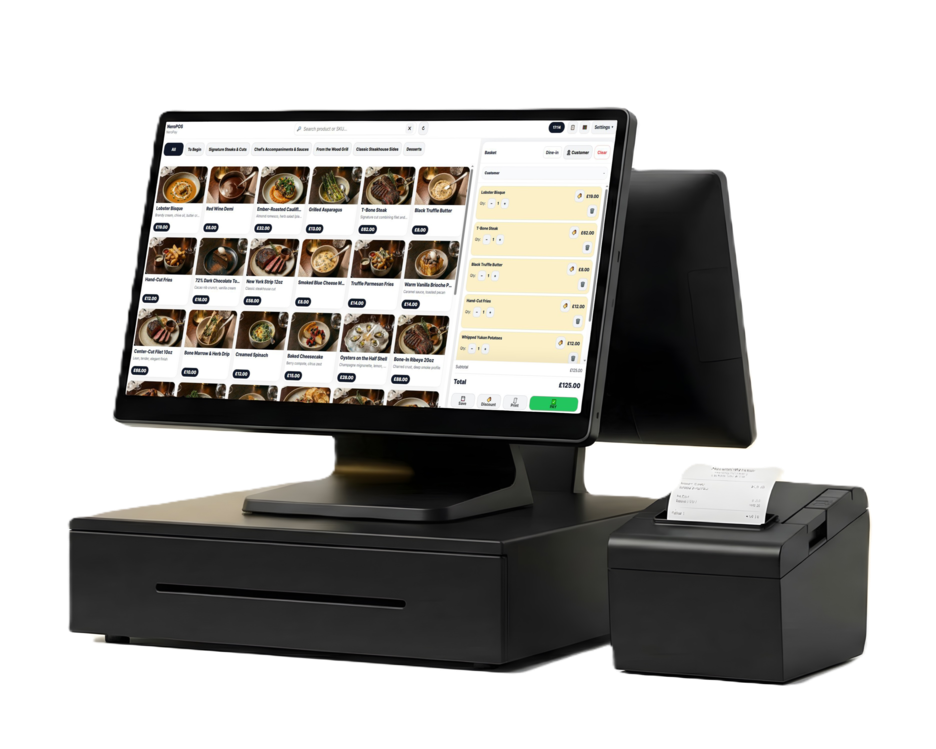
NeroPOS point of sale
Bring products, orders, staff access and daily reports together at the till. Pair your counter setup with NeroPay payments.
Hardware is purchased separately. Browse available configurations in the store.
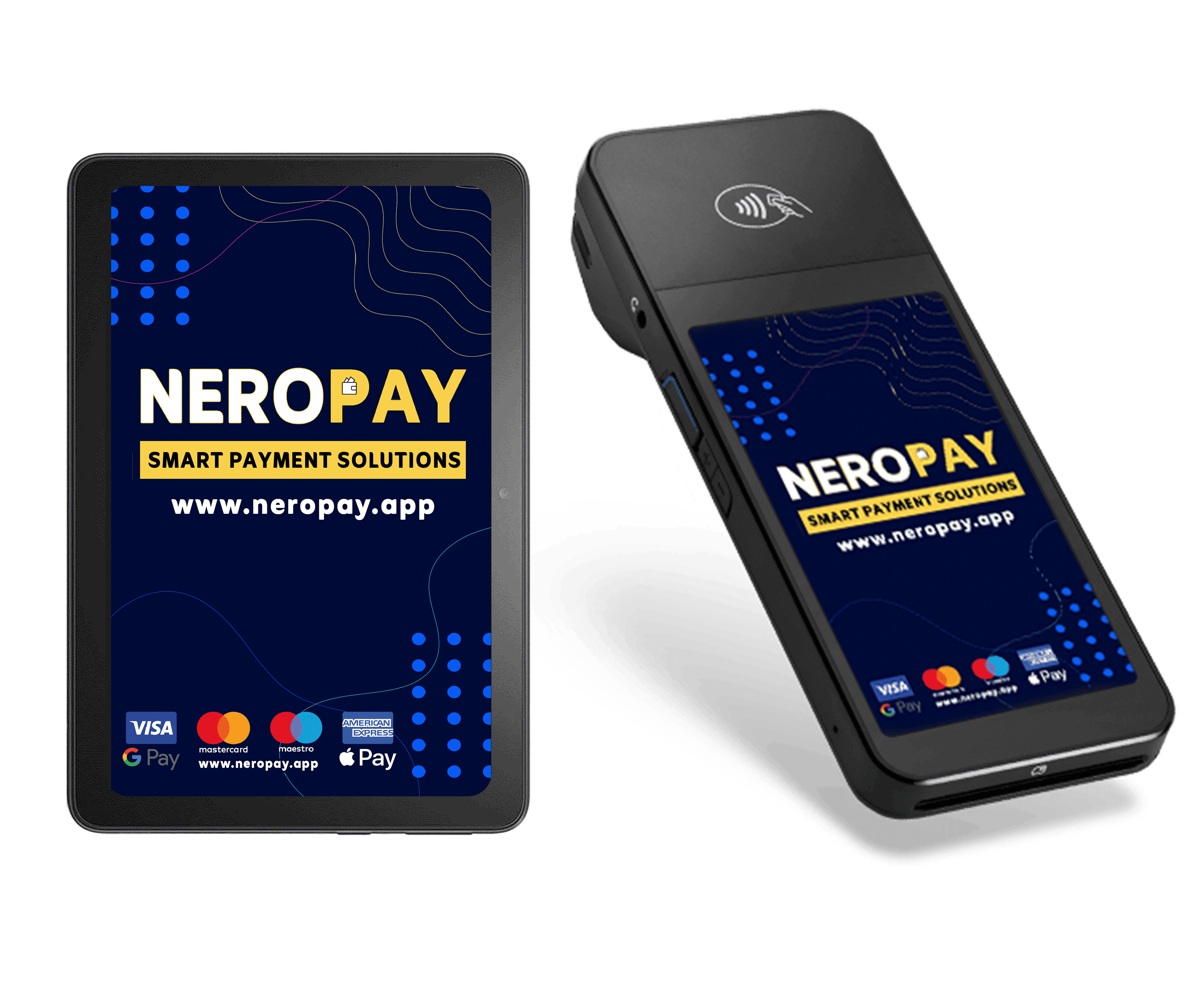
Card Terminal CCD
A dedicated card terminal for a connected counter. Add an optional Nero Tablet to complete your in-store setup.
The tablet shown is optional and available separately. Choose your configuration in the store.
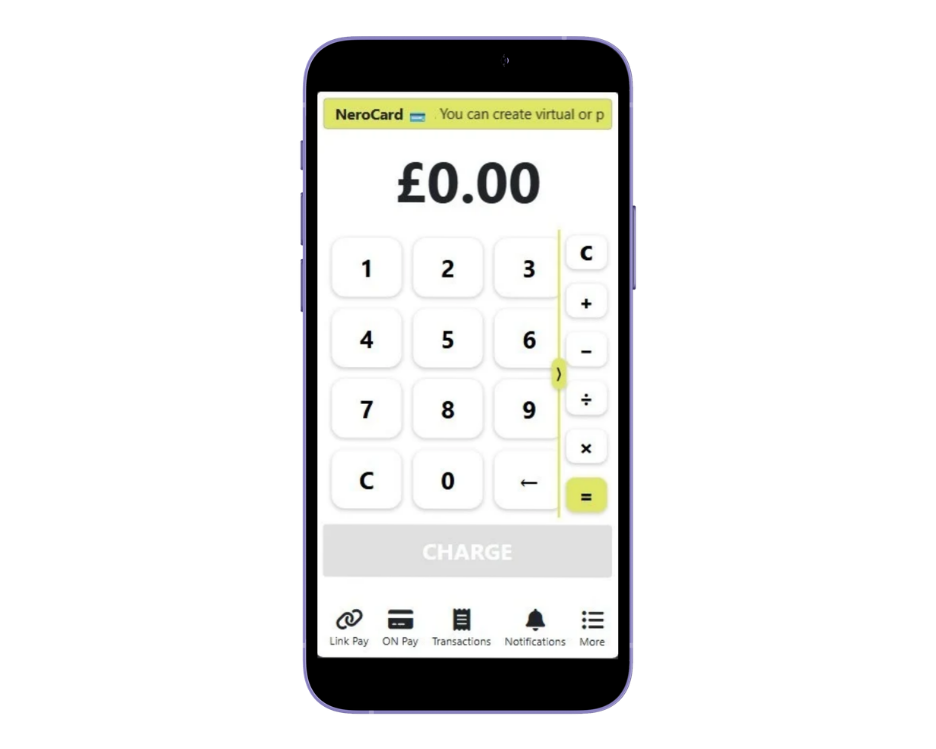
Tapez pour payer
Accept contactless card and wallet payments on a compatible phone. A practical choice for pop-ups, appointments and mobile teams.
Device, operating system and account eligibility apply. Payment processing fees apply.

NeroPay Self-Service Kiosk
Give customers their own place to browse, order and pay. Designed for restaurants, takeaways, cafés and busy retail spaces.
View mounting options, specifications and current hardware prices in the store.
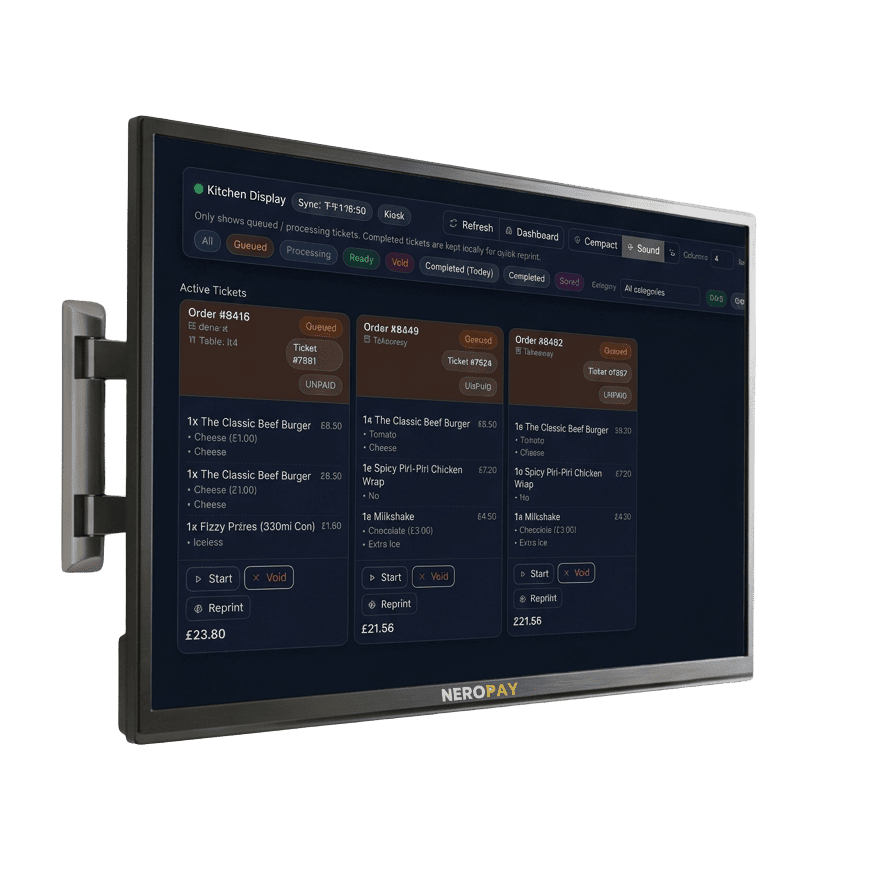
NeroKDS Kitchen Display
A 24-inch touchscreen display for kitchen orders and NeroPOS workflows. Keep incoming orders visible where your team needs them.
View display specifications, mounting options and current prices in the store.
Your hardware order total, delivery charges, optional accessories and availability are confirmed at checkout. Payment processing charges are separate.
Pay in full.
Or spread the hardware cost.
Explore payment options for your chosen device in the NeroPay Store. Review your order and any payment schedule before you confirm.
Pay in full
One-time paymentComplete your hardware purchase in one payment, with no instalments to keep track of.
- Choose your device and accessories
- Review available offers in the store
- Confirm your order total before paying
Pay monthly
Selected terminalsPayment plans are available on selected terminals. Review the deposit and monthly payment schedule for your chosen device in the store.
- Check the full agreed amount before ordering
- Review your instalment dates at checkout
- Update your card or pay the remaining balance in your account
A hardware payment plan, not a rental. The full agreed amount remains payable. Stopping payment services does not cancel an outstanding hardware balance. Read the applicable terms and confirm your payment schedule at checkout.
Complete your counter.


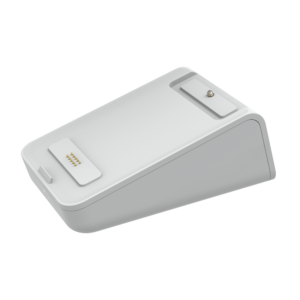
Check device and connection compatibility when choosing accessories. Our team can help you select the right setup.
The tools to run your business.
Not another software bill.
Connect payments with free NeroPOS, NeroWeb and NeroBooking software. Hardware and payment processing are charged separately.
NeroPOS
Products, tables, staff access, receipts and daily reports. Bring the essentials of your counter into one connected point of sale.
Explore NeroPOS →NeroWeb
Give customers a direct route to order from your business. Create an online ordering website for collection or delivery.
Explore NeroWeb →NeroBooking
Organise reservations and appointments alongside your payment setup, for hospitality, beauty and service businesses.
Explore NeroBooking →A few useful
answers.
Need help choosing your hardware? Tell us about your counter, team and daily workflow.
Speak to our team →Where do I place my order?
All product and accessory links take you to the NeroPay Store. Select your product, quantity and any available options there, then review your basket before paying.
Which terminals support a payment plan?
Payment plan options are available on selected terminals. Check the NeroPay Store for the options and terms for your chosen device. The full agreed price remains payable.
Where can I find current product offers?
Offers vary by product and payment choice. Check the NeroPay Store for the options available for your chosen device, then review your basket before paying.
Is the tablet included with Card Terminal CCD?
The tablet shown is optional and available separately. Select the required configuration and check the final order details in your basket.
Can I return hardware?
Returns depend on the product, condition and eligibility under the applicable store terms. Please read the terms and return conditions before ordering. A hardware payment plan is not a cancellable monthly rental.
Do I need an active NeroPay account?
You will need an eligible NeroPay merchant account and completed setup before taking payments. Buying a device does not replace account verification or terminal registration.
Ready for your next
busy trading day.
Choose the right hardware, complete your order and get your NeroPay setup ready for business.
 English
  Arabic
  Bulgarian
  Chinese (China)
  Chinese (Hong Kong)
  Croatian
  Danish
  Dutch
Dutch  Estonian
  Finnish
  French
  German
  Greek
Greek  Hindi
Hindi  Irish
Irish  Latvian
  Lithuanian
  Luxembourgish
  Maltese
  Portuguese
  Slovak
  Slovenian
  Spanish
  Swedish
  Turkish
  Urdu
Urdu  Vietnamese
  Welsh
Welsh