

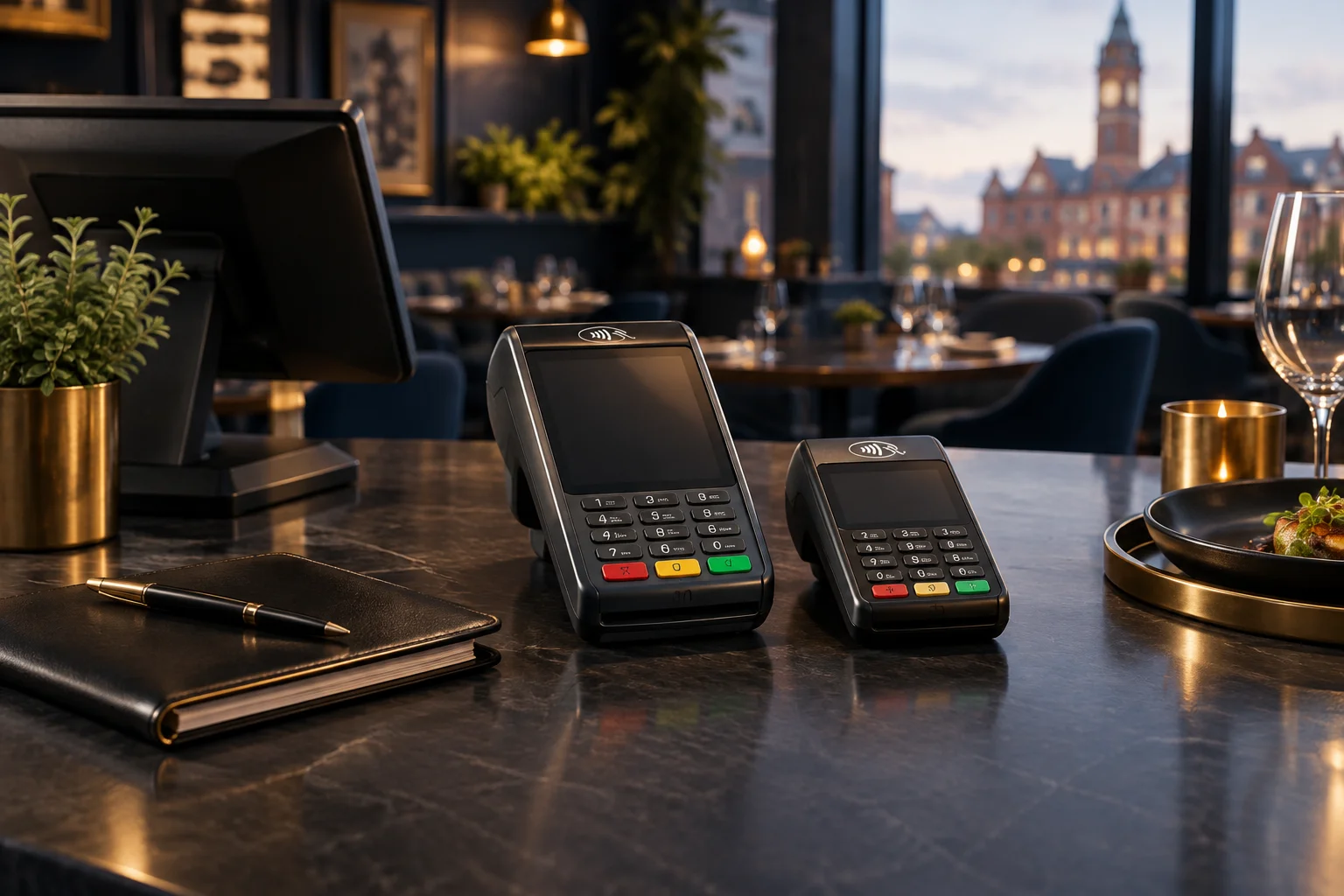
Choose where payment should happen
Start with the guest journey. Counter payment can suit takeaway collections, but asking seated diners to queue alongside collection customers may create an awkward finish to their meal. Taking a terminal to the table may be preferable where staff already bring the bill.
Map the busiest overlap: diners requesting bills while collection customers arrive. Decide whether one shared terminal would interrupt service or whether separate payment points are worth discussing. Ask NeroPay which available devices suit each location; do not assume every terminal supports the same working pattern.
- Mark payment locations on a simple floor plan.
- Identify who takes payment during overlapping table and collection service.
Check connectivity against the actual layout
A connection that works beside the till may not work equally well at a rear table or outside seating area. Describe these spaces in your enquiry and ask which connectivity options are available on the proposed terminal, including any requirements or additional charges.
For payments on the move, ask about supported connectivity, battery expectations and charging arrangements. Establish what staff should do if a payment is interrupted. They should check its status before trying again, rather than assume that a missing confirmation means no payment was taken.
- List every intended payment area, including outdoor tables if relevant.
- Ask how to check an uncertain transaction and request help.
Make terminal handovers part of service
A portable terminal needs a clear home and an accountable user. Agree where charged devices are kept, how staff pass them between sections and who checks they are ready before service. This avoids a last-minute search when several tables ask to pay.
Hypothetical example: a Stockport restaurant handles seated dining and evening takeaway collections. It could explore a counter terminal for collections and a portable option for tables. Before choosing, the manager would check connectivity, confirm any supported bill-splitting workflow and rehearse how staff record a completed payment against the correct bill.
- Allocate a charging location and pre-service check.
- Practise a handover without losing track of the table or bill.
Ask precise settlement and reconciliation questions
Payment approval and funds reaching your nominated account are separate events. Ask NeroPay to explain the proposed settlement schedule, relevant cut-off times and how weekends or bank holidays may affect timing. Confirm how processing charges are applied and where adjustments appear.
At closing, staff need a repeatable way to compare restaurant bills with recorded card payments. Ask what transaction information is available and how refunds or uncertain transactions should be reviewed. Check any proposed connection with your existing till explicitly; compatibility should not be assumed.
- Request a written explanation of settlement timing and charges.
- Define who reviews unmatched bills or payments after service.
Compare the complete proposal, including software
NeroPay also offers NeroPOS/ePOS software, NeroWeb online ordering and websites, NeroBooking booking software, and QR payment options. Discuss these only where they solve a defined restaurant task, such as managing direct online orders, rather than adding tools without an owner or workflow.
With an eligible NeroPay card terminal, NeroPOS, NeroWeb and NeroBooking software can be included without an additional software subscription charge. Terminal costs, payment processing charges, eligibility and applicable terms still apply. Confirm product availability, supported devices, integrations and pricing with the team, and include staff training needs in your comparison.
GOOD TO KNOW
Common questions
How many card terminals should a restaurant request?
Base the enquiry on simultaneous payment tasks, not table count alone. Describe peak table payments, collection queues and staff movement so the available options can be assessed.
Can we take payments at outdoor tables?
Ask which available terminal and connectivity options suit that area. Check the intended payment locations before relying on a proposed setup.
Will a NeroPay terminal connect to our existing till?
Integration support must be confirmed with NeroPay. Provide your till software, version and the payment workflow you want to achieve.
Does a Stockport enquiry mean NeroPay has local premises?
No. Stockport is the service enquiry area here, not a claim of a local office. Confirm the available support arrangements directly.