

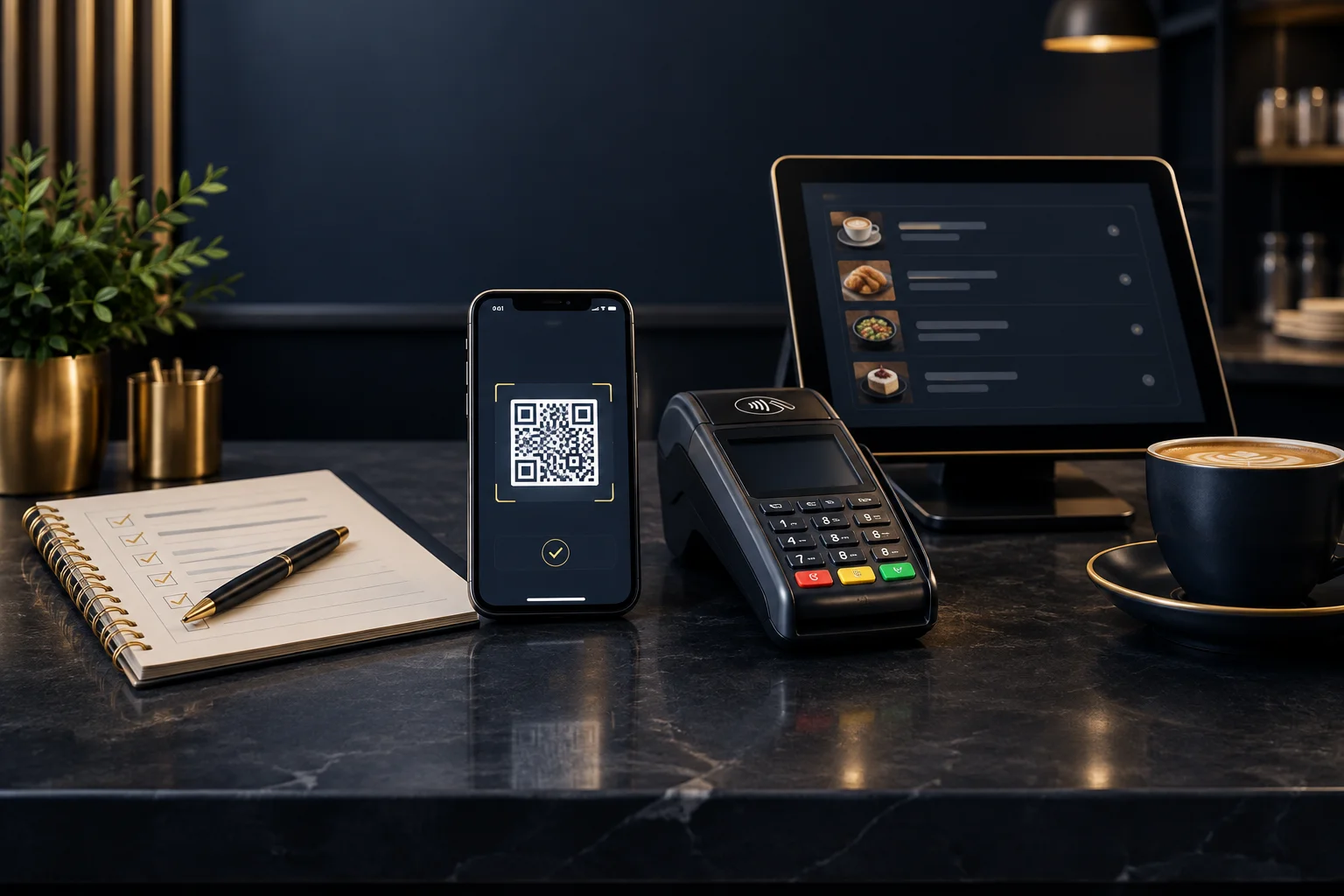
Start with the printed code and a review record
Review the version customers will actually use, not just a payment page opened from a saved link. A correct destination does not help if the wrong code reaches the printer. Note the print version, intended placement, scan date, phone and browser used, expected destination and observed result. These details give you evidence to compare after any change.
NeroPay offers QR payment options, payment links, online payments and card terminals. Confirm the available features, supported devices and testing method with the team before starting. Ask whether a test environment is available or whether an authorised live check is needed, and how any resulting payment should be handled. Do not assume test card details work in a live payment journey.
- Scan a physical sample in its intended position and normal café lighting.
- Compare the destination with the one confirmed during setup.
- Keep the code out of customer use if the destination is unexpected or unclear.
Check who controls the amount and reference
Establish whether the supported journey fixes the amount, asks the customer to enter it, or receives it from another supported step. Do the same for the reference. These are different workflows: customer entry requires clear instructions and checking, while a prefilled value still needs review for accuracy. Do not assume a table number identifies a particular bill.
Compare the visible amount and reference with your expected café record. Include currency, any editable fields and what happens when a required field is left blank, where supported testing permits. Record discrepancies rather than explaining them away. If staff cannot reliably match the payment to the bill, resolve that before display.
- Write down the expected amount and reference before testing.
- Follow the confirmed test procedure and record what the customer can change.
- Check where the matching information appears in the merchant payment record.
Read the mobile journey as a customer would
A successful scan is only the first check. Review the payment page on the phones and browsers relevant to your customers, within confirmed device support. Look for readable totals, understandable field labels, visible action buttons and clear instructions. Check the physical placement too: glare, a curved menu holder or a damaged print can make an otherwise valid code awkward to use.
Ask a colleague who did not set it up to follow the journey without coaching. Note where they hesitate, zoom in or ask what happens next. This is an observation exercise, not proof that every device will work. Keep a clear alternative for customers who cannot scan or prefer another available payment method.
- Check readability at the phone’s normal display settings.
- Observe whether the reviewer understands the amount and next action.
- Record device-specific issues with the phone, browser and affected screen.
Separate customer messages from payment evidence
Identify the merchant record or status staff should consult to confirm successful payment, and ask the team to explain any unfamiliar statuses. An order submission, customer screenshot or browser return alone is not sufficient evidence. The review should establish how staff match the status to the correct amount and reference without relying on the customer’s final screen.
Where supported, review cancellation, interruption and unsuccessful-payment behaviour as well as the successful route. If a customer says they have paid but staff cannot confirm it, check the existing attempt before asking them to try again. Record the uncertainty and use the agreed support route; do not promise approval or settlement timing.
- Use the supported procedure to check the successful-payment route.
- Compare the customer-facing message with the matching merchant payment status.
- Confirm what staff should do when the result remains unclear.
Make a display decision from the evidence
Hypothetical example: a café plans to place one QR code on every table. During its supported review, staff discover that customers enter both the amount and a reference. One colleague enters the correct total but omits the table reference. The page looks usable, yet the café cannot confidently match that attempt to a bill. The issue is the workflow, not simply the appearance of the code.
The café pauses display, clarifies the supported reference behaviour with the team and revises its customer instructions. It then repeats the review using a fresh printed sample. An observable success check is that a colleague can follow the instructions unaided and another staff member can find the corresponding payment record, confirm its status and match the amount and reference. Keep unresolved findings off the public counter.
- Give each finding an owner and mark it resolved or still open.
- Repeat affected checks after changing a code, destination or instruction.
- Approve only the reviewed version for customer display.
GOOD TO KNOW
Common questions
Does scanning the code prove the payment journey works?
No. It proves only that the phone could read the code and open a destination. You still need to review the amount, reference, mobile screens and payment confirmation.
Can we use any phone to test it?
Confirm supported devices and browsers first. Record what you tested; success on one phone does not establish universal compatibility.
Is the customer’s confirmation screen enough?
Not by itself. Use the agreed merchant payment record to verify the status and match it to the relevant bill.
What should we send when asking for help?
Provide the review time, print version, device, browser, expected result and observed issue. Share only necessary references through the agreed support channel, never full card details.