

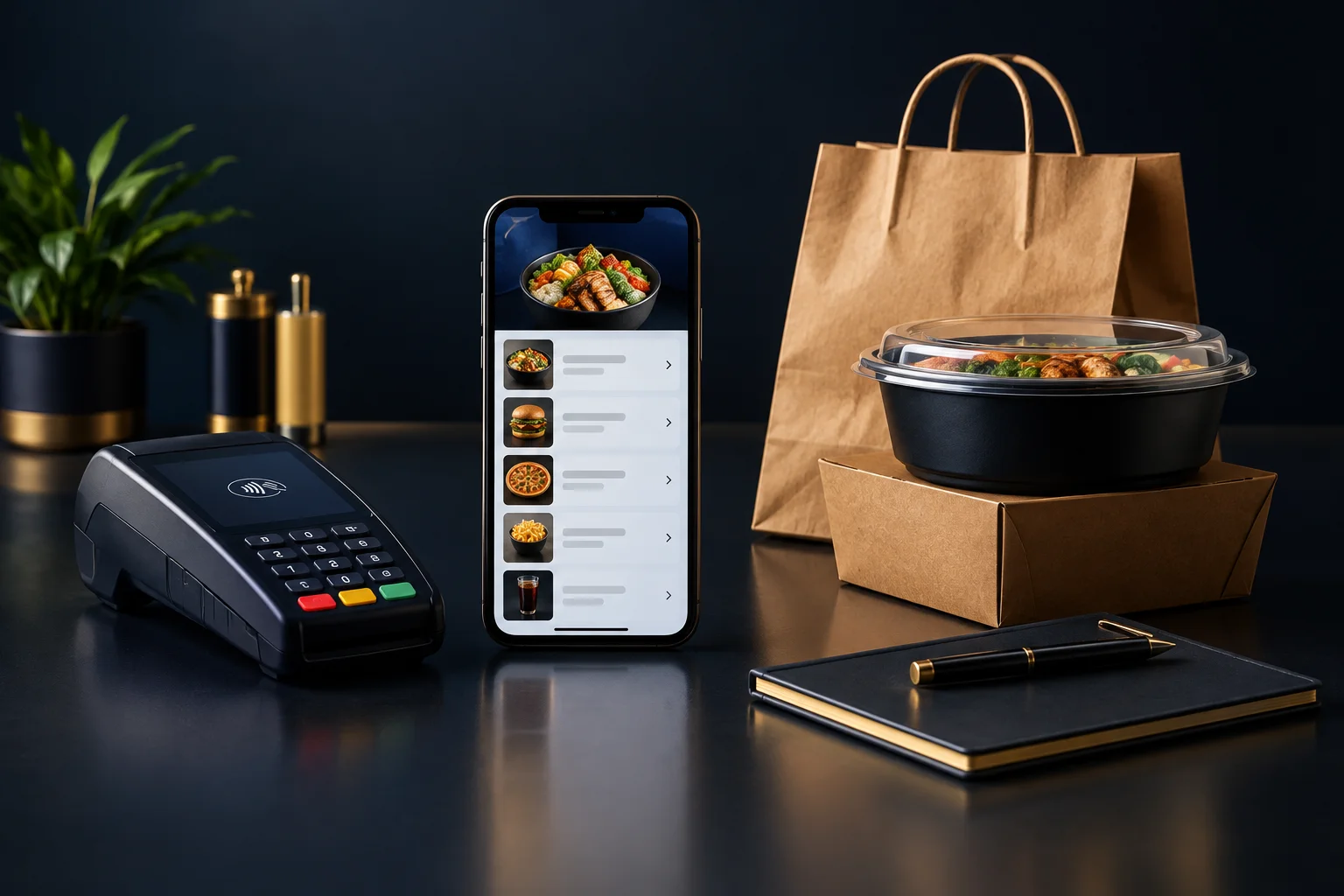
1. Sort the menu by the customer's first decision
Start with your existing menu and mark the main decision a customer makes: pizza, burgers, wraps, sides or drinks, for example. Use familiar category names rather than internal kitchen terms. A category should help someone narrow their choice, not make them guess what sits inside it.
Give each dish a clear home. Repeating the same burger under several headings can leave customers wondering whether the versions differ. Keep a separate meal-deal listing only when it represents a genuinely different purchase, and state exactly what the deal includes. If a category contains just one item, consider whether it belongs naturally elsewhere.
- Write down your proposed categories before editing the online menu.
- Place every existing dish in one category and flag duplicates.
- Ask a colleague to find three named dishes without guidance.
2. Decide what belongs in a listing and what belongs in an option
Keep an item separate when it has a different identity, recipe or preparation requirement. Use product options when the customer is varying the same dish, such as choosing a size or adding cheese. Too many near-identical listings make browsing harder, but hiding every difference inside one item creates a different problem: customers cannot see the range.
NeroWeb supports menus and product options for direct online ordering. Before restructuring, confirm how your intended choices can be configured in your merchant setup. Do not assume a particular option rule, stock control or kitchen-routing behaviour is available. Keep any choice that changes the order clear enough for both the customer and the person preparing it.
- Separate genuinely different dishes from variations of the same dish.
- Remove unnecessary choices, especially those with only one possible answer.
- Identify essential selections and confirm how they will work in your setup.
3. Rewrite descriptions around what arrives
A useful description answers practical questions: what is the main ingredient, what comes with it, and what still needs choosing? Replace vague wording such as “served with everything” with the actual contents. If chips are not included, say so where a customer chooses the dish rather than leaving them to discover it later.
Keep names short enough to scan and use descriptions for the detail. Make extra charges clear before checkout, and distinguish included choices from optional additions. Review ingredient and allergen information with the person responsible for it; do not rely on a short sales description to resolve a customer's allergy query.
- Check each description against the portion your team actually serves.
- Use consistent names for sizes, sauces and accompaniments.
- Remove wording that suggests an extra is included when it is not.
4. Try the structure on one realistic order
Hypothetical example: a takeaway lists “chicken wrap”, “chicken wrap with chips”, “chicken wrap with garlic sauce” and “large chicken wrap” as separate dishes. If these are genuinely variations of the same recipe, it could instead use one “Chicken wrap” listing. Its description might read: “Grilled chicken and salad in a tortilla. Choose your size and sauce. Chips are an optional extra.”
The owner would then check that size, sauce and chips can be represented clearly in the configured product options, with any additional charges visible. A different recipe, such as a spicy chicken wrap, may still deserve its own listing. The test is whether consolidation removes repetition without concealing a meaningful difference.
- Build or review this structure for one category before changing the whole menu.
- Ask someone unfamiliar with the changes to order a large wrap with garlic sauce and chips.
- Compare their selected order with what a team member understands should be prepared.
5. Check the journey through to checkout
Review the menu on a phone, then follow an order through the configured collection or delivery journey and checkout. Check that item names, selected options and charges remain understandable. NeroWeb supports these ordering stages, but actual order availability, supported payment methods, stock controls and kitchen routing depend on merchant setup.
Your observable success check is straightforward: a tester can select the intended meal, explain what is included and identify the total before committing to the order, while staff can interpret the same selection without guessing. If the test fails, fix the wording or structure at the point of confusion rather than adding a general warning elsewhere.
- Check collection and delivery separately if both are configured.
- Confirm availability and payment arrangements with the person managing your setup.
- After launch, note repeated customer questions and review the relevant listing.
GOOD TO KNOW
Common questions
Should I remove dishes to make the menu simpler?
Not automatically. First remove duplication and unclear wording. Reducing the range is a separate operational decision, based on what your team can prepare and maintain reliably.
Should meal deals be separate from individual dishes?
Usually, if they are a distinct bundle. State the included items, portion sizes and remaining choices so customers can compare the deal with ordering separately.
Can I use order notes instead of product options?
Avoid depending on free-text instructions for routine choices. Where supported in your setup, clear product options make selections easier to understand. Confirm how any special requests will be handled.