

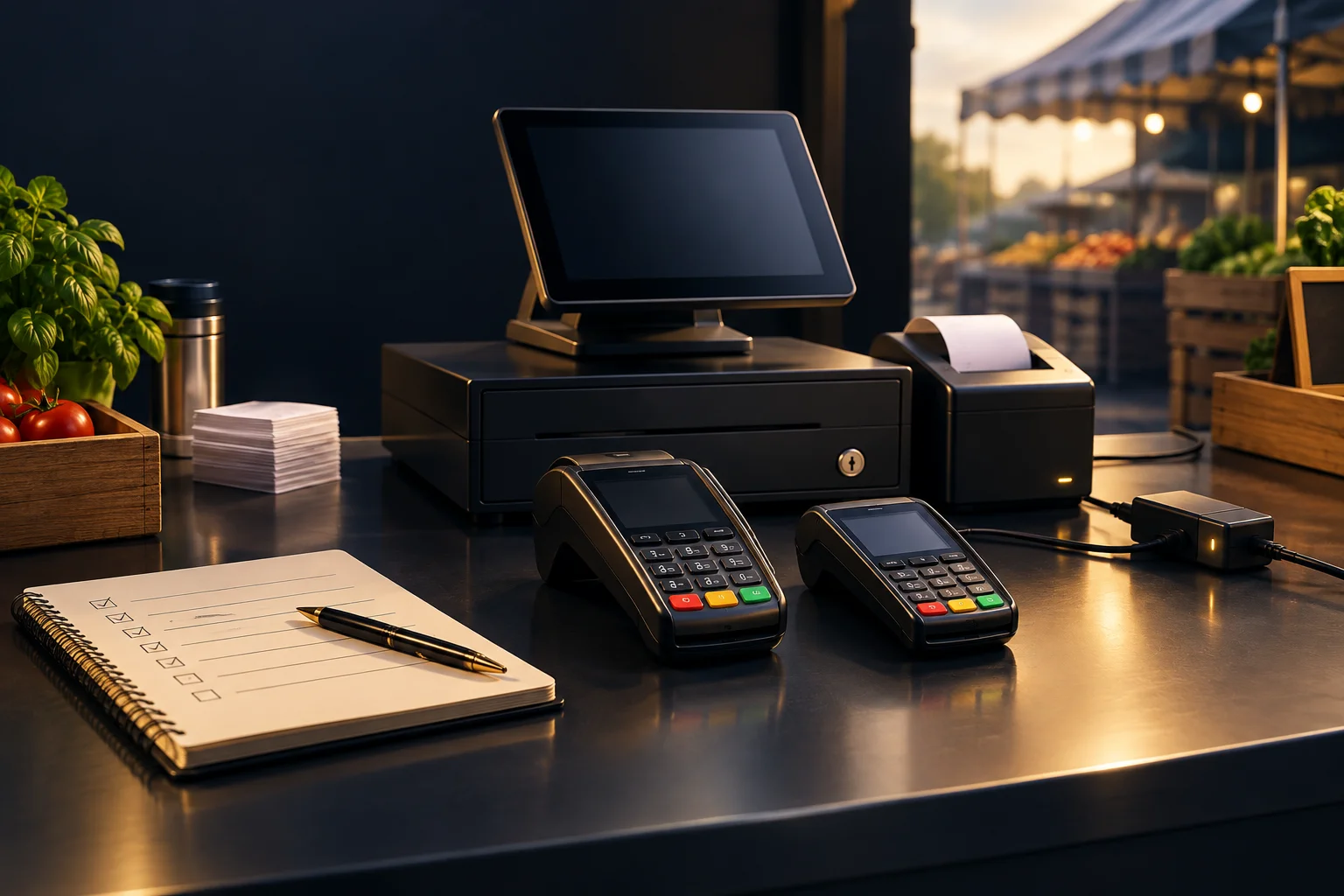
Assign responsibilities before packing the stall
Make payment preparation part of your stock and equipment routine, rather than a job left until opening. For a solo trader, that means setting aside time before serving begins. With a team, name one person to check equipment and another to confirm the customer-facing process. One person can cover both roles, but neither task should be assumed to belong to someone else.
Keep a short readiness note with the device identifier, approved charging equipment, access arrangements and support contact details. Do not put passwords in a shared packing list. NeroPay offers card terminals, payment links, online payments and QR payment options, but confirm device and feature availability before relying on any option for your stall.
- Before market day: the stall owner confirms available equipment and payment options.
- During packing: the equipment lead checks the terminal, charger and necessary accessories.
- Before opening: the person taking payments completes the on-site checks and reports any unresolved issue.
Check power and connection where you will actually trade
Charge the device according to its instructions and inspect the charging lead and connections for visible damage. If you expect to use power at the pitch, confirm arrangements with the organiser and keep equipment positioned away from wet surfaces and customer walkways. Do not assume a spare battery pack or charger is suitable without checking compatibility.
Connectivity should be checked at the stall, not just at home. Confirm which connection methods your particular device supports and whether the required service is available there. A device that appears connected still needs its payment workflow checked. If the connection is unreliable, investigate before the queue forms rather than assuming another connection method will be supported.
- Check the charge level and connect only suitable charging equipment.
- Position the terminal where staff can use it without leaving the stall unattended.
- Check the supported connection at the intended payment position.
- Record unresolved power or connection problems for the stall owner to address.
Make access, receipts and payment outcomes clear
Confirm that authorised staff can access the functions they need before customers arrive. Follow your provider’s access guidance rather than sharing credentials to save time. Staff should know how to enter or check the amount, recognise the payment result and find the relevant payment record using the options available on your setup.
Decide how you will handle receipt requests. Check which receipt methods your device and service actually support, and prepare any required consumables if applicable. Tell customers what is available without promising an unsupported method. Most importantly, staff must distinguish a confirmed successful payment from an attempt: a submitted order or browser return is not proof of successful payment.
Rehearse a busy-stall sale and an uncertain result
Hypothetical example: a two-person stall sells handmade gifts at a Saturday market. One trader serves customers while the other wraps purchases. Before opening, the server rehearses entering the agreed price, presenting the terminal, checking the outcome and responding to a receipt request. The wrapper practises keeping the next customer informed without rushing the payment check.
Then rehearse an uncertain outcome: the customer says their phone shows activity, but the trader cannot yet confirm success. Staff should pause, check the provider’s payment record and follow its guidance before requesting another attempt. For a live test, use the provider’s recommended procedure; do not assume a test mode exists or that a test payment has no cost.
- Use a sample sale to walk through the process without collecting card details.
- If appropriate, complete a provider-guided payment test and check its recorded outcome.
- Practise saying: “I’m checking the payment result before we try again.”
- Pass the check only when staff can identify the outcome and explain the receipt arrangement.
Agree the fallback and the opening decision
A fallback is useful only if it is available, understood and checked in advance. A payment link or QR option may offer a different customer journey, but it is not automatically a solution to every terminal problem. It may still depend on connectivity, customer access and a way for you to verify the payment outcome.
Before opening, the stall owner should review any failed checks and decide which payment methods can be offered confidently. Keep support details accessible and note the device, time and error message when seeking help, without recording sensitive card details. If payment status remains unclear, explain the delay honestly rather than promising approval or asking the customer to repeat payment immediately.
- Confirm any alternative payment option with the provider before advertising it.
- Brief everyone on which methods are ready and which are unavailable.
- Repeat the relevant checks after moving the stall or changing equipment.
GOOD TO KNOW
Common questions
Is charging the terminal overnight enough preparation?
No. You also need to check its condition, supported connection, authorised access and payment workflow at the pitch. Plan suitable charging arrangements for the trading day.
Can a payment link replace the terminal if it stops working?
Possibly, if that option is available for your setup and has been checked beforehand. Confirm how customers will access it and how you will verify successful payment.
What if a customer says they have paid but I cannot confirm it?
Check the payment record and follow your provider’s guidance before requesting another attempt. A customer’s screen or a browser return alone does not establish a successful payment.