

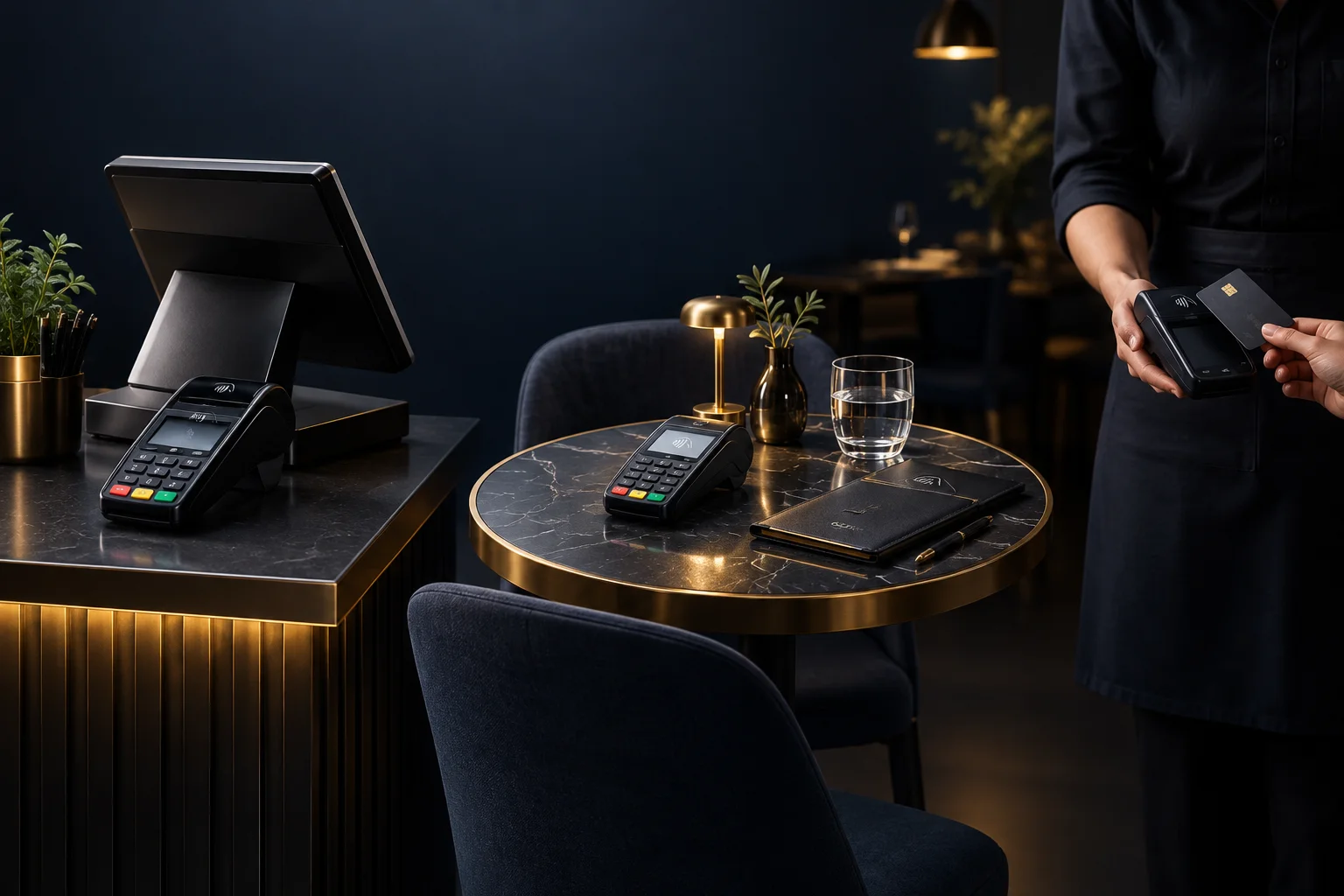
Counter payment: one clear place to finish
A counter workflow gives customers and staff a recognisable place to complete a purchase. It can suit shops, takeaway collections and reception desks where goods or services already pass through one point. The main advantage is clarity: the person handling the sale can check the amount and payment result before completing the handover.
The trade-off is movement and queueing. Customers may need to leave their seat or wait behind people still choosing what to buy. Consider whether the same counter handles questions, collections and payments. A fixed payment point is less useful if staff regularly have to leave it to find an order or confirm a price.
- Identify where the customer waits and where goods are handed over.
- Keep the payment check within the responsibility of one named staff role.
- Observe whether enquiries block customers who are ready to pay.
Table payment: less customer movement, more staff coordination
Taking payment to the table can suit a seated service where asking customers to queue would interrupt the experience. The decision is not simply whether a terminal is portable. Staff need a dependable way to identify the correct bill, bring the right device and confirm the result before moving to another table.
The trade-off is equipment movement and shared responsibility. A device may be needed in two places at once, or its battery may run low during service. Confirm the proposed terminal’s supported connection method, practical coverage and charging arrangements. Do not assume bill splitting, tips or links to your existing till are supported; ask about any feature your workflow depends on.
- Choose where portable devices will be stored and charged.
- Agree how staff identify the bill being paid.
- Check coverage at the actual tables, including outdoor seating if relevant.
Mobile payment: build around the working location
For deliveries, market trading or work at a customer’s premises, payment may need to happen away from a fixed counter. Consider what the team member already carries and whether there is a safe, practical place to handle the device. Confirm suitable hardware and connectivity with NeroPay rather than assuming a terminal will work everywhere or that any phone supports Tap to Pay.
A payment link or QR option may be worth discussing when the customer will use their own device. This changes the handover: the customer needs clear instructions, while your team still needs to check the payment result. It also introduces dependencies such as the customer’s connection. Agree an alternative process for an unavailable connection or unclear result before staff work away from base.
- Describe the real working locations when asking about supported devices.
- Check battery and charging needs over a normal working day.
- Define who checks payment status when the customer pays on their own device.
Hypothetical example: a café with seated and takeaway orders
Imagine a small café serving takeaway customers at a counter and seated customers in a separate room. Making everyone pay at the counter keeps one payment point, but seated customers join the collection queue. Moving every payment to a portable device avoids that queue for seated guests, but creates unnecessary device movement for takeaway sales.
A mixed approach could keep takeaway payments at the counter and bring a supported portable terminal to seated customers. Before choosing it, the owner would confirm device availability and coverage in the separate room. The team would also agree who retrieves the correct bill and who checks the payment outcome. This is a workflow example, not a claim about available integrations or a particular terminal.
- Walk through one takeaway purchase and one seated bill.
- Check what happens when both customers are ready to pay together.
- Look for a clear success sign: each payment is matched to the correct sale without staff asking who handled it.
Test the handover before committing
Compare options using the whole journey, not just the moment a card is presented. Ask NeroPay to confirm device and feature availability, connectivity requirements, commercial terms and pricing for your proposed setup. Include any existing till or order system in that discussion; do not assume compatibility.
Your final check is whether staff can distinguish a successful payment from an unfinished attempt. A submitted order or browser return is not proof of successful payment. Agree which payment record or status staff should check, and what they should do if the result is unclear before retrying or releasing goods.
- Write down your main payment location and one exception.
- Confirm the proposed setup and payment-status checks with the team.
- Walk through a busy-period handover and an unclear payment outcome.
- Choose the simplest supported workflow that handles both.
GOOD TO KNOW
Common questions
Must we choose only one payment workflow?
No. Counter and portable workflows can serve different journeys. Keep responsibilities clear and confirm that the proposed devices and features support both.
Can customers pay by QR code instead of using a terminal?
NeroPay offers QR payment options. Confirm availability and how your team will identify the sale and check its payment status before relying on this route.
What should we do if a payment result is unclear?
Check the relevant payment record using the agreed process before retrying. If the result remains unclear, follow your support route rather than treating an order confirmation as payment evidence.