

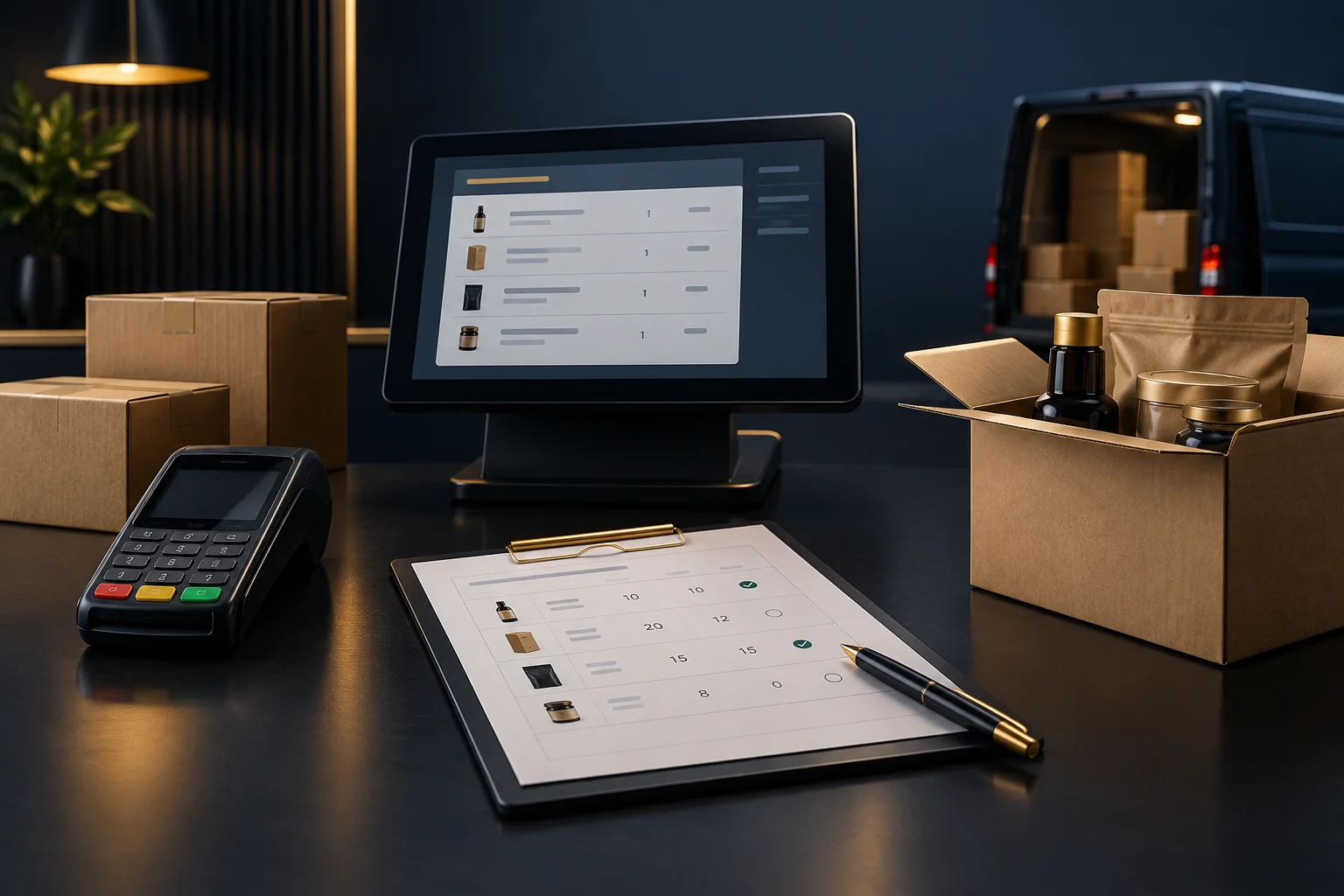
1. Establish the original order before recording the delivery
Start with the customer's agreed order, not the picking sheet or the driver's recollection. Check the customer account, order reference, item descriptions, quantities and units. Ten cases and ten individual items are different instructions, even where the product description looks identical.
Keep the original quantities available as the baseline. If the customer changes the order, distinguish that amendment from a shortage: an item cancelled by agreement is not the same as an item still owed. Where the working record cannot show that distinction clearly, retain an accompanying record using your team's agreed process.
- Find the agreed order and check any subsequent customer amendments.
- Confirm the unit of measure for each affected line.
- Identify who will maintain the outstanding balance after delivery.
2. Confirm how your enabled document workflow works
NeroTrade supports wholesale workflows including delivery notes, trade accounts, invoices, statements, routes and collections. Confirm which functions are enabled for your business before choosing a process. Those capabilities alone do not establish whether your configuration retains an order balance, links several delivery notes to one order or carries outstanding quantities forward.
Walk through the actual process with the person responsible for your setup. If linked documents are available, establish how references remain visible. If they are not, agree a controlled outstanding-items record that quotes the original order and each delivery reference. The aim is traceability, not a second order that could accidentally be fulfilled again.
- Check how the original order is retained after the first delivery document is produced.
- Confirm where remaining quantities will be recorded and reviewed.
- Establish how corrections are handled without obscuring what happened.
3. Record what arrived, not just what left the warehouse
Picking, dispatch and delivery are separate events. A quantity loaded onto a vehicle may not be the quantity accepted by the customer. Record the actual outcome, including shortages, rejected goods or damaged items, through your agreed process. Keep the delivery date and document reference clear so that later enquiries can be matched to the right visit.
Hypothetical example: a café orders 12 cases of juice and eight cases of water under order W1042. The first delivery is accepted as nine cases of juice and all eight cases of water. The original order remains 12 and eight; the delivery record shows nine and eight; the outstanding record shows three cases of juice. Do not reduce the original juice order to nine or create a fresh, unrelated order for the remaining three.
- Compare the accepted quantities with the dispatch record.
- Record any discrepancy and its reason where known.
- Check that each line's ordered quantity is accounted for as delivered, outstanding or explicitly amended.
4. Give the remaining items a clear next action
An outstanding quantity needs an owner and a decision. Ask whether the customer wants a later delivery, collection or cancellation of the remaining items. A further delivery may suit the customer but needs coordination with the route team; collection needs a clear handover; cancellation needs an explicit amendment rather than a silent balance adjustment.
In the hypothetical example, the café agrees to receive the remaining three cases of juice on a later delivery. Record that agreement and identify who will arrange it. Any subsequent delivery document should carry the original order reference through the available workflow or an agreed cross-reference. Tell the customer what remains and what happens next, without promising an unconfirmed date.
- Confirm the customer's preference for each outstanding line.
- Assign responsibility for arranging the next fulfilment.
- Review the outstanding record before preparing any repeat delivery.
5. Reconcile the documents before closing the balance
Before issuing an invoice, ask accounts to confirm which quantities and references it should cover under your agreed commercial process. Do not assume that producing a delivery note also creates the correct invoice or updates a statement. Check the actual behaviour of your enabled workflow, especially where the order is fulfilled over several visits.
The observable success check is simple: another team member should be able to start with the original order and explain every quantity without asking the driver. For W1042, that means finding the first delivery of nine juice cases, the later delivery of three and no unexplained balance. Your next action is to test one split-delivery example in your own workflow before applying it to live orders.
- Match delivery references to the original order and relevant invoice records.
- Check that fulfilled quantities have not been counted twice.
- Close the outstanding balance only when delivery or an agreed amendment accounts for it.
GOOD TO KNOW
Common questions
Should we change the original order to match a partial delivery?
Not simply because fewer goods arrived. Retain the original requirement and record actual delivery separately. Treat an agreed customer amendment as a distinct change.
Does NeroTrade automatically carry forward outstanding quantities?
Confirm this with the team for your enabled configuration. Support for delivery notes and invoices does not, by itself, confirm automatic outstanding-order handling.
What if a shortage is discovered after the paperwork is issued?
Follow your agreed correction process, preserve the original reference and record the discrepancy. Notify whoever maintains the outstanding balance and ask accounts to review any affected documents.