

1. Describe the work before choosing the replacement
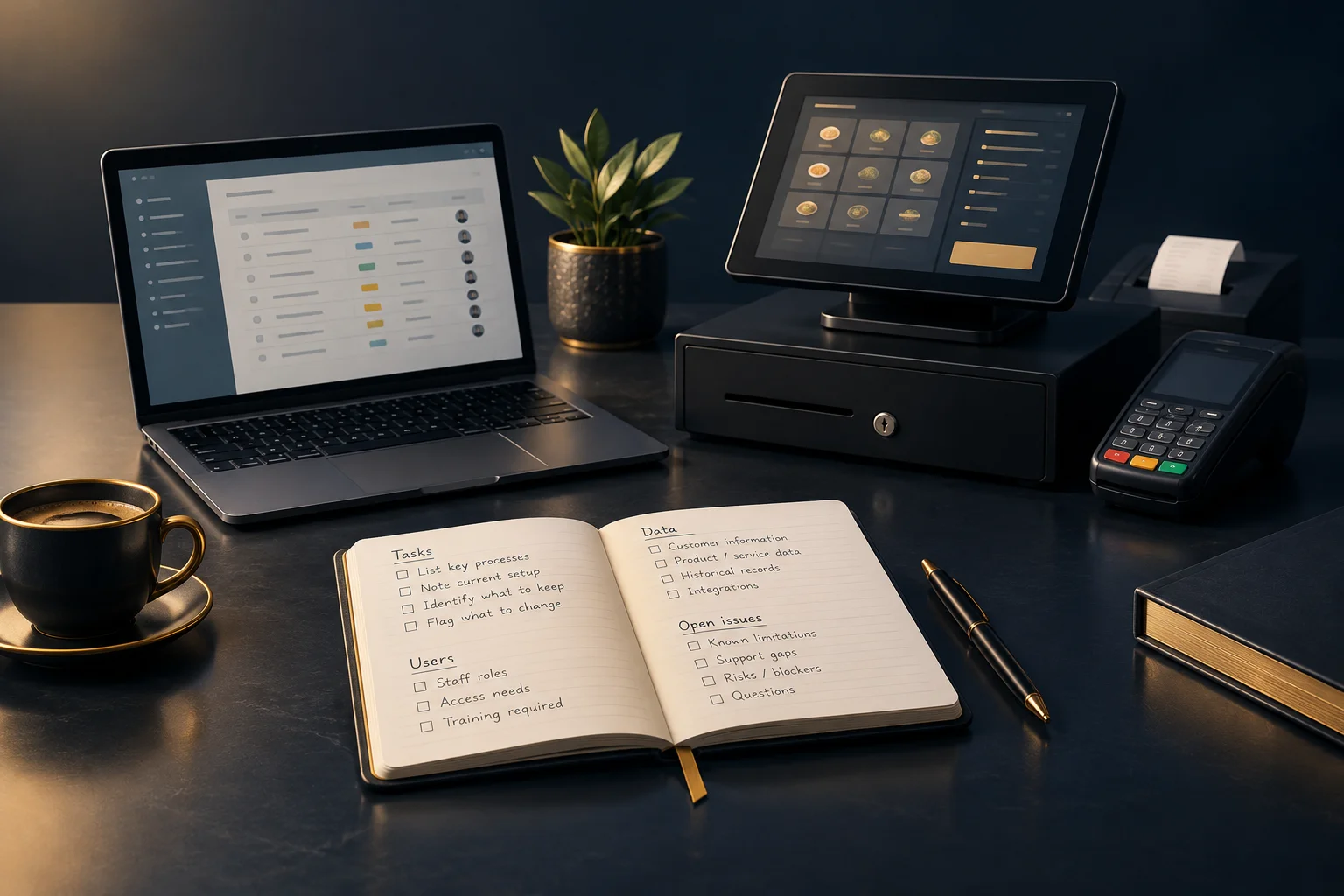
Start with tasks, not features. For each activity, record what starts it, what staff do, what the customer receives and how completion is recorded. Include awkward cases such as a changed collection time, a duplicate request or an order cancelled after preparation has started. These details often reveal requirements that a simple feature list misses.
Ask the people doing the work to check your notes. A manager may see a completed order while counter staff know that its reference is copied manually into another record. Separate essential requirements from preferences: preserving a clear order reference may be essential; keeping the same screen layout may not be.
- Choose three frequent tasks and two exceptions to document first.
- For each, name the user, input, output and completion check.
2. Map records and handovers without assuming automation
List the data needed to continue trading and answer later queries: open orders, future bookings, product details, customer instructions and relevant transaction references. Note where each record lives, who can access it and whether a usable export is available. Distinguish records needed in the replacement from history that can remain securely accessible elsewhere.
For every handover between tools, document what moves, when it moves and who checks it. Do not assume a replacement will share records automatically. Ask the supplier to confirm the precise supported connection. Where that is unconfirmed, assess a manual handover, including the staff time involved and the risk of missing or duplicating an entry.
- Identify one authoritative source for each important record.
- Check a sample export for readable dates, references and status fields.
- Record access restrictions and ask the appropriate adviser about any uncertain retention obligations.
3. Assign responsibilities and preserve unfinished work
Give the changeover one accountable owner, but involve the people who understand each stage. The business owner approves scope and timing; a staff representative checks daily usability; the records lead checks totals and references; and the supplier answers questions about supported capabilities. In a small business, one person may hold several roles, but each responsibility still needs a name.
Keep an unresolved-work list alongside the task map. Include customer promises, disputed statuses, missing information and known workarounds. Record the next action, responsible person and review date for each item. A software change should not quietly turn an unanswered customer request into a closed case simply because the old screen is no longer in use.
- Agree who can pause the trial and who authorises a wider switch.
- Assign someone to monitor customer messages throughout the trial.
4. Run one limited scenario from request to completion
Hypothetical example: a takeaway owner is considering replacing an order-management tool. Staff currently receive an order, record its collection time, pass details to the kitchen and mark it collected. Occasionally, a customer changes the time. The owner documents that exception and prepares a trial using a small set of dummy orders before any live use.
One test order includes a changed collection time. A counter colleague enters the change, a kitchen colleague checks the updated instruction, and the owner traces the order through to completion. Success means everyone sees the agreed time, the reference stays consistent and there is exactly one completed order. If any check fails, record the failure and retest rather than widening the trial.
- Write the expected result before starting and avoid unnecessary real customer data.
- Test the normal journey, the changed instruction and the end-of-day review.
- If progressing to limited live use, name the authoritative system and fallback process.
5. Make the switch a decision, not a deadline
Review the trial against your documented needs. Separate blockers, such as losing an order instruction, from manageable inconveniences, such as an extra manual check. Compare the operational effort as well as the commercial terms. Keep access to necessary historic records planned before retiring the old tool, and avoid cancelling it simply because a trial date has arrived.
If considering NeroPay, confirm the relevant product and workflow with the team. NeroPay offers payment and business software products, but availability, devices and supported integrations need confirmation. With an eligible NeroPay card terminal, NeroPOS, NeroWeb and NeroBooking software can be included without an additional software subscription charge. Terminal costs, payment processing charges, eligibility and applicable terms still apply.
- Choose to proceed, extend the trial or stop, with reasons recorded.
- Set a review date and tell staff which process to follow.
GOOD TO KNOW
Common questions
Do we need to move every historic record?
Not necessarily. Separate active work from reference history. Confirm how necessary older records will remain accessible and check any uncertain retention requirements with an appropriate adviser.
Should both tools run at the same time?
Only with clear rules. Name the authoritative record and control duplicate entry. Parallel use can help comparison, but conflicting statuses can confuse staff and customers.
What should we ask the replacement supplier?
Ask them to demonstrate your documented tasks, explain export options and confirm supported connections. Record unanswered questions rather than treating an assumption as an agreed capability.