

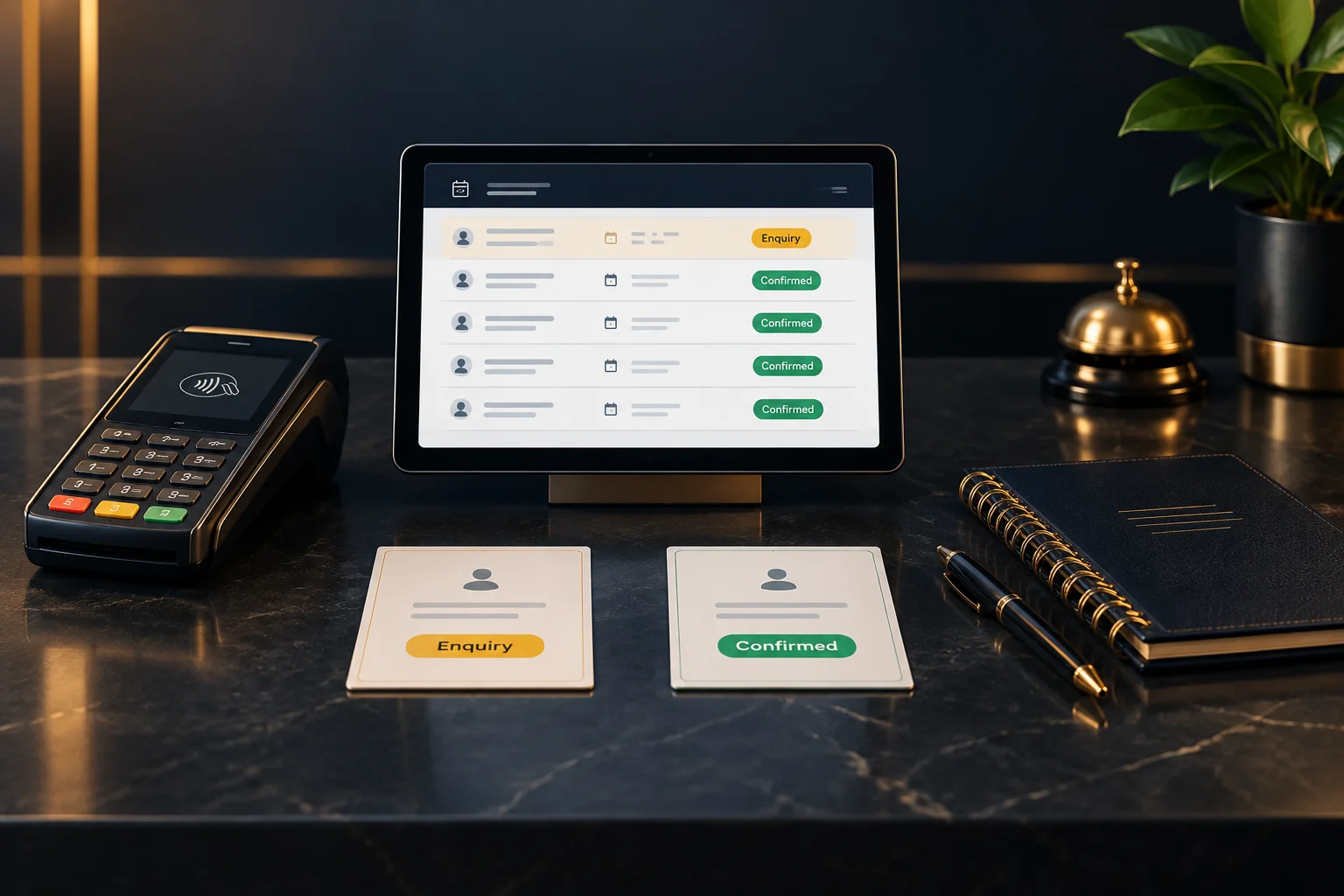
An enquiry expresses interest; confirmation establishes the appointment
An enquiry might arrive as a question about availability, a preferred time or a request for a particular service. It tells staff what the customer wants, but it may still need a decision. Even “Tuesday at ten works for me” leaves room for misunderstanding if nobody has checked whether that appointment can be accepted.
Confirmation should mean that the appointment has been accepted and any conditions required for confirmation have been met. Your business should define that point clearly. If staff cannot establish it from the booking record and relevant checks, describe the request as awaiting a decision rather than giving an assurance you may need to withdraw.
Availability, approval and payment answer different questions
Availability answers whether a service can be offered at a particular time. Approval answers whether the business has accepted this particular request. Payment answers whether the relevant payment condition has been met. These checks can be related, but they are not interchangeable: an available slot does not prove acceptance, and evidence of payment does not necessarily prove that the requested appointment has been approved.
NeroBooking is booking software for appointments and reservations. Its configured services, availability, payment and approval rules determine what can be booked. Staff therefore need to understand the rules used by their business rather than assume that every request follows the same route. Confirm supported features and integrations with the team before relying on a particular workflow.
Check the record before choosing your words
Start with the booking record your team uses to establish the appointment’s state. Match it to the customer and requested service, then check the date and time. Read the actual recorded state rather than inferring confirmation from a message heading, a payment receipt or a colleague’s recollection. Labels may vary, so make sure staff understand what each state means in your workflow.
If records disagree, pause the assurance, not the investigation. Ask the person responsible for bookings to resolve the discrepancy and give the customer a clear next step. You can say, “I can see your request for Thursday at 2 pm, but I still need to verify approval before confirming it.” Avoid asking the customer to submit another request while you are locating the existing one.
- Locate and identify the existing request.
- Verify its recorded state and appointment details.
- Check evidence of any required approval or payment.
- Resolve conflicting information before communicating confirmation.
Hypothetical example: a salon request awaiting approval
Suppose a salon requires staff approval for longer appointments and a deposit before confirmation. A customer requests a colour appointment for Friday morning and receives an acknowledgement. They later call to ask whether they are booked in. The receptionist finds the request, but approval is still outstanding. Even if there is evidence of a deposit payment, that does not settle the approval requirement.
The receptionist explains: “We have your request for Friday morning. It is awaiting approval, so please do not treat the appointment as confirmed yet. I’ll ask the booking manager to review it and contact you by 4 pm today.” That response identifies the unresolved condition and assigns a realistic follow-up rather than promising acceptance.
If the manager subsequently accepts the request and verifies the required deposit, staff should ensure the recorded state reflects the outcome before confirming the agreed service, date and time to the customer. This is an illustrative workflow, not a claim about particular NeroBooking status labels, payment tools or messaging features.
Make the handover testable
Agree a small set of customer-facing phrases for enquiries, requests awaiting action and confirmed appointments. Attach each phrase to evidence staff must check. For unresolved requests, identify who will review them and when the customer should expect an update. Only promise a response time your team can meet.
A useful success check is whether another staff member can inspect the same record and reach the same conclusion without asking the original receptionist. Review a recent request together: can both people identify whether it is confirmed, what remains outstanding and who acts next? If not, clarify the working procedure before changing customer-facing wording.
GOOD TO KNOW
Common questions
Does an acknowledgement mean my appointment is confirmed?
Not necessarily. An acknowledgement may only establish that your request was received. If the wording is unclear, ask the business whether the appointment is confirmed and whether you need to do anything else before attending.
Can staff confirm an appointment just because a slot is available?
Only if the business’s booking rules allow it and all required checks are complete. Availability alone does not show that a request has been accepted or that any payment requirement has been met.
What if the customer has paid but the booking is unclear?
Check the payment evidence and booking record separately, then refer any mismatch to the responsible person. Explain what you can verify without presenting payment as proof of confirmation.