

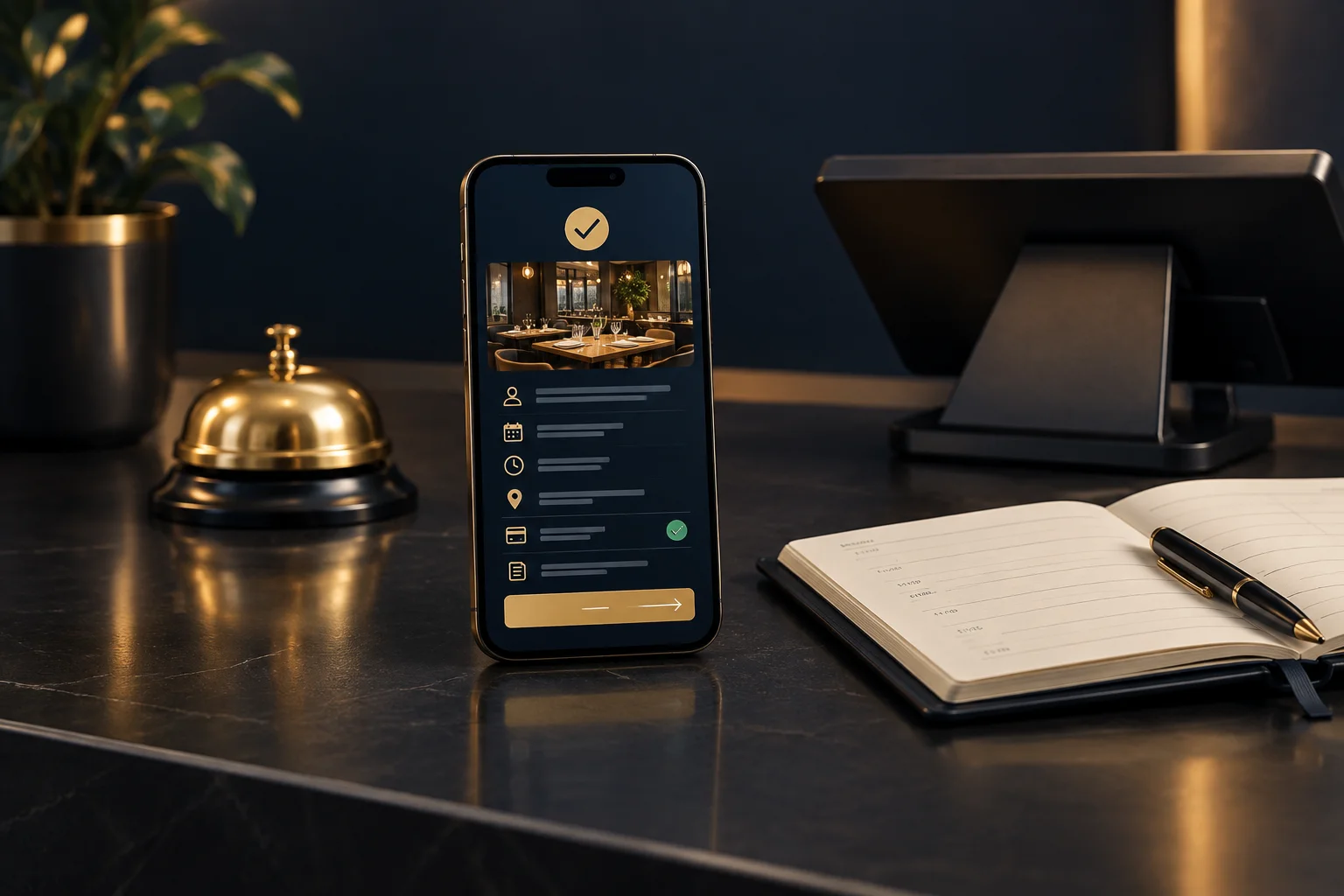
Separate a confirmed appointment from a received request
Start with the booking status, not just a thank-you. “Your appointment is confirmed” means something different from “We have received your request”. If someone must approve the appointment, explain that clearly and tell the customer what to expect next. Avoid a heading that says “Confirmed” when the message underneath asks them to wait for acceptance.
NeroBooking is booking software for appointments and reservations. Its configured services, availability, payment and approval rules determine what can be booked. Your customer-facing wording should reflect those rules rather than imply that every submission creates an accepted appointment. Confirm supported features and integrations with the team before designing a communication workflow around them.
Describe the service and the time customers should allow
Use a service name the customer will recognise, with enough detail to distinguish similar appointments. A consultation is not necessarily a treatment, and an initial assessment may differ from a follow-up. Include the appointment date in an unambiguous form, such as “Tuesday 18 August 2026”, alongside the start time and expected duration.
Keep arrival time separate from service time. If you need someone there ten minutes early, say so explicitly rather than changing the appointment time without explanation. For remote appointments or customers travelling across time zones, identify the relevant time zone. Where an end time is only an estimate, describe it as expected rather than guaranteed.
Make the destination and next action easy to find
For an in-person appointment, give the full address and any essential arrival instruction, such as which entrance or reception desk to use. Do not assume the customer knows which branch they selected. For a remote appointment, explain how they will receive or access the joining details, using only a method your business actually supports.
Then state the next action. This might be bringing an item, completing preparation or simply attending at the agreed time. If no reply is required, say that. Include a working contact route for questions or changes, with any relevant deadline. Essential instructions belong in the message itself, not solely in a separate policy document.
- Check that the address matches the booked service and branch.
- Put any required customer action beside its deadline.
- Explain how to request a change without assuming a self-service option exists.
Before and after: turn a vague message into a useful one
Hypothetical example: an independent repair business books a 30-minute bicycle assessment. Its original message reads: “Thanks for booking your bike in for Tuesday at 10. See you then.” The customer cannot tell whether repair work is included, which Tuesday is intended, where to go or whether they have already paid.
A clearer version reads: “Your 30-minute bicycle assessment is confirmed for Tuesday 18 August 2026 at 10:00. Please bring your bicycle to Example Cycle Workshop, Unit 4, Example Yard, Sampletown. This appointment is an assessment only; any repair work will be discussed separately. No payment has been taken. The assessment charge is payable at your appointment. No reply is needed. To request a change, contact us using the telephone number on your booking receipt.” These are illustrative business arrangements, not NeroBooking feature claims.
Check the message against the real booking
Payment status needs its own wording: “paid in full”, “deposit received” and “payment due” are not interchangeable. Include amounts only when checked against the booking record, and make any outstanding payment step clear. Refer to the applicable cancellation or change terms without inventing a deadline or suggesting that paying automatically confirms a booking awaiting approval.
Before using the message, compare it with a sample booking and ask someone unfamiliar with your process to read it. The observable success check is whether they can identify the service, status, time, destination and next action without extra explanation. Apply the same check whether details are shared by email, text, printed receipt or a staff member.
- Choose one common appointment type and review its current confirmation.
- Match every detail to the booking record and your actual procedures.
- Test any contact route and ask a colleague to explain what the customer should do next.
GOOD TO KNOW
Common questions
Should a booking confirmation include payment details?
Yes, where relevant. State what has been paid, what remains due and when it is payable. Do not treat a payment receipt as proof that an appointment has been approved.
What if the appointment still needs approval?
Call it a booking request or pending appointment. Explain how the customer will learn the outcome and whether they need to do anything meanwhile.
Should customers have to reply to confirm attendance?
Only request a reply if your business needs one and can handle it. Give a clear response method and deadline. Otherwise, say that no reply is required.
Can I assume NeroBooking sends automatic reminders?
No. Confirm supported communication features and integrations with the team. Write your confirmation around the channels and procedures your business actually uses.