

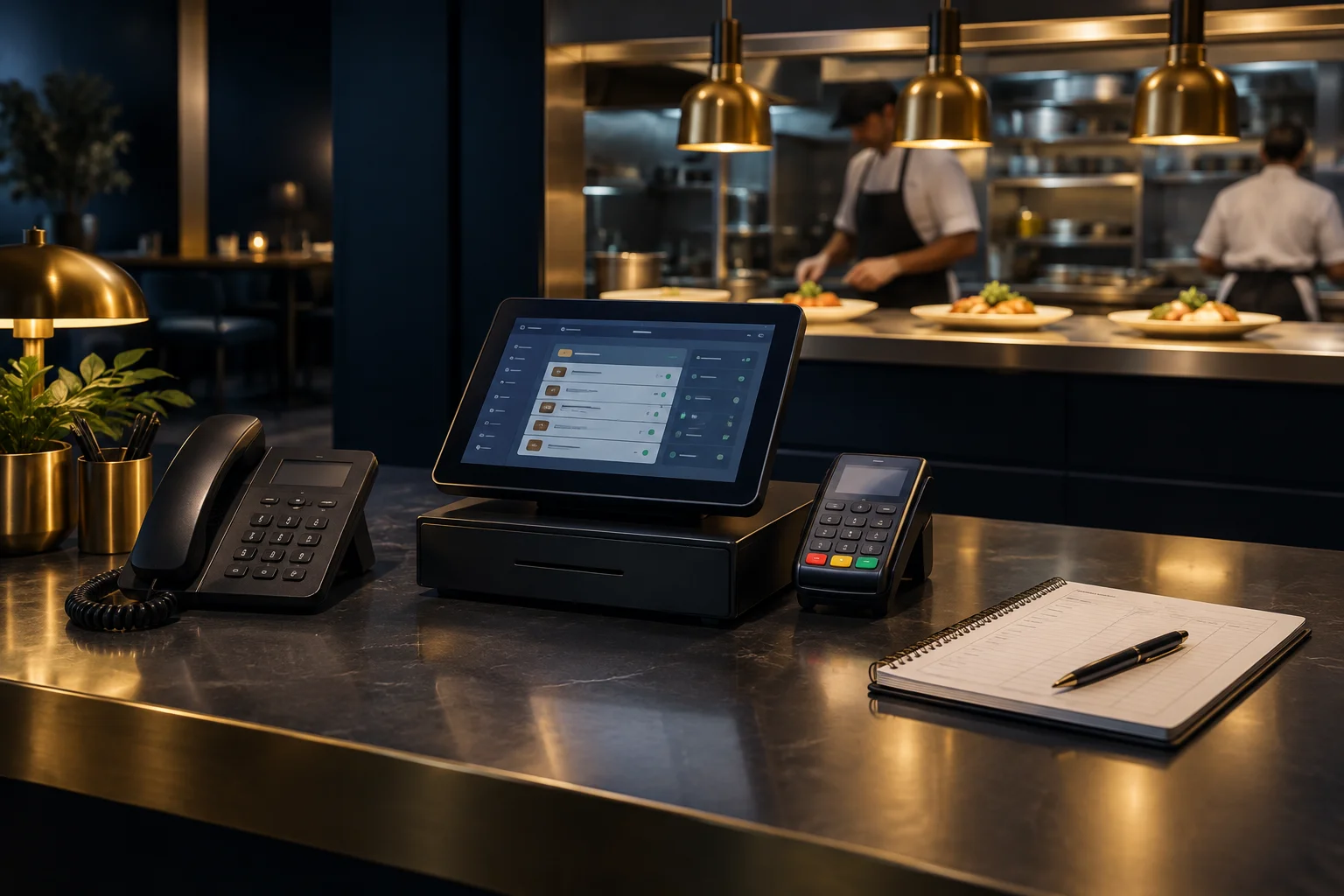
1. Establish where the call ends and the order begins
Start with the route available to your restaurant, not the route you hope is connected. AI Reception supports configured business knowledge, opening hours, voice and language choices. Enabled NeroWeb workflows support orders. Confirm with the NeroPay team which workflow is enabled for your account, what the caller can complete and where staff should check the resulting order.
Do not assume a completed conversation creates a kitchen ticket, updates a POS record or produces a receipt. Those connections and handling arrangements need confirmation. Write down the point at which your team considers an order accepted, who checks it and how it enters your existing kitchen process. If a step is manual, keep it explicit rather than relying on staff to infer that someone else has done it.
- Trace one telephone order from the conversation to the staff-visible order record.
- Identify every manual check or transfer before kitchen preparation.
- Name the person responsible for unresolved telephone orders during each shift.
2. Separate supported choices from requests needing judgement
Review the item choices available through the enabled ordering workflow. Your team needs to know how quantities, variants and other supported selections appear when checking an order. A customer mentioning a preference is not proof that it has been captured as an actionable choice. Confirm what is recorded before treating the order as ready for preparation.
Keep requests needing staff judgement outside routine acceptance. An unusual substitution, an unclear collection request or an allergy question should follow your restaurant’s existing review process, not an assumption based on a conversation. AI Reception supports callback requests and handover to a configured UK number or SIP destination. Choose which route staff should use when a request cannot safely or accurately be resolved within the configured workflow.
- Compare the customer’s intended items with the recorded quantities and choices.
- Route unresolved requests to a team member before confirming what the kitchen will prepare.
3. Check payment without treating a link as confirmation
Card payments use secure checkout links; customers must not speak full card details to AI Reception. Make that distinction clear in your telephone handling. Sending or receiving a checkout link does not itself establish that payment has completed, and the end of a call is not evidence of a successful payment.
Check the payment outcome through your established payment process and apply your restaurant’s policy for releasing orders to preparation. If the outcome is unclear, allocate a staff member to investigate rather than asking the kitchen to guess. Keep receipt handling within your existing process too: do not assume that a call record, an order record and a payment receipt are interchangeable.
- Verify the order and its payment outcome separately.
- Resolve unclear payment states before releasing the order where your policy requires payment first.
4. Hypothetical example: a collection order with a substitution
Suppose a caller wants two main meals for collection, with a side changed on one meal. Your restaurant has an enabled NeroWeb ordering workflow, but the requested substitution is not among its confirmed choices. The team should not treat the spoken request as an accepted kitchen instruction. Use the agreed handover or callback route so a member of staff can confirm whether the change is possible.
Once resolved, the responsible person checks that the order record contains the correct meals and agreed choices, verifies payment as required, then follows the restaurant’s usual kitchen and receipt handling. If the caller rings again to ask about collection, staff should check the existing order before creating anything new. This avoids turning a follow-up conversation into a second preparation request.
5. Test the complete route before relying on it during service
Run a controlled test covering a straightforward order and an exception requiring staff attention. The observable success check is that staff can find the intended order, identify its item choices, verify its payment state and show how it reaches preparation once through your agreed process. Also check that the team knows what to tell a caller when an order cannot yet be confirmed.
Optional recordings and transcripts follow your settings and retention; do not make them the only source of kitchen instructions. Confirm current call and usage limits, and keep the configured handover destination and opening hours accurate. Your next action is to walk through the route with the shift lead and ask the NeroPay team to clarify any unverified system connection before using it in live service.
GOOD TO KNOW
Common questions
Does AI Reception automatically send telephone orders to our kitchen printer?
Do not assume that connection exists. Enabled NeroWeb workflows support orders, but your kitchen routing, supported integrations and any manual handling must be confirmed with the team.
What should happen if a caller requests an unavailable option?
Use your agreed staff review route rather than promising the change. AI Reception supports callback requests and handover to a configured UK number or SIP destination.
Can customers pay by reading their card details aloud?
No. Customers must not speak full card details to AI Reception. Card payments use secure checkout links, and staff should verify the payment outcome separately.
Should the kitchen work from a call transcript?
Use your established order and kitchen process. Optional transcripts follow settings and retention, but a conversation record should not replace checks on accepted items, unresolved requests and payment state.