

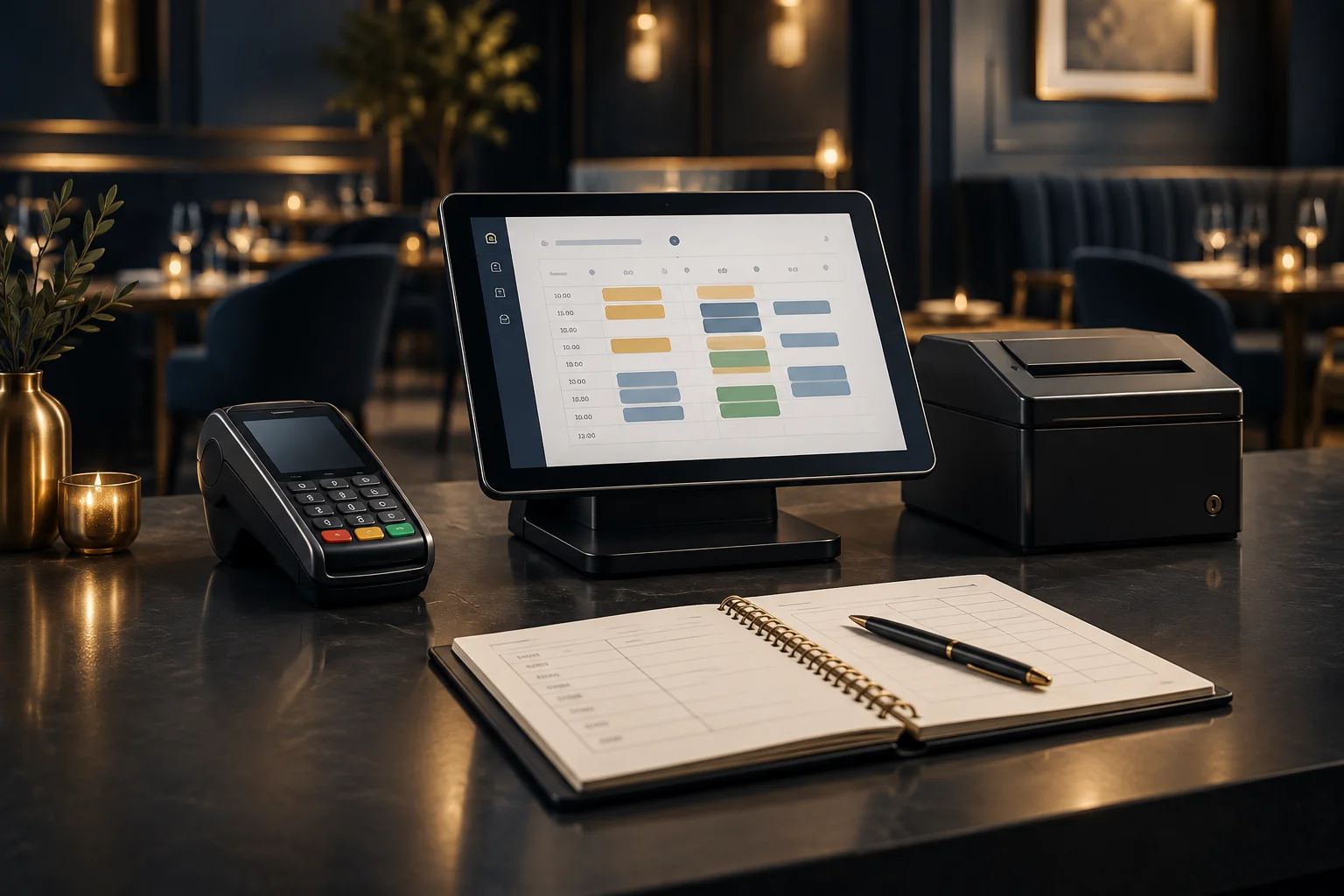
1. Map the service before entering booking details
Start with a simple plan for each service: opening time, last seating, expected table duration and time needed to reset. A kitchen that closes at 9pm may need its last arrival well before then. Agree these limits with both the kitchen and front-of-house team rather than copying your public opening hours into a booking process.
Separate your physical seating capacity from the number of covers you can comfortably accept at once. Two large parties arriving together can put pressure on ordering and food preparation even when tables are available. Decide how to handle larger groups, walk-ins and tables that can be joined. Check which of these rules your chosen software can represent, and document any that staff must manage separately.
- List lunch, dinner and any special service periods separately.
- Set a staff-agreed route for requests outside normal party sizes or arrival times.
- Name the person authorised to approve exceptions.
2. Prepare the information guests and staff need
Decide what you need to identify and manage a reservation, such as the guest’s name, a contact method, party size, date and arrival time. Avoid collecting details simply because there is space for them. Ask the team how booking information will be accessed during service, and confirm the available fields and access arrangements before relying on them.
Write short customer instructions covering where to arrive, what to do if running late and how to request a change. Explain how guests can discuss accessibility requirements or dietary needs with your team. Treat a dietary note as a starting point for a conversation, not confirmation that a particular request can be accommodated. Make sure staff know what still needs checking.
- Use one agreed version of arrival and change instructions.
- Check that contact details and public service times are correct.
- Give staff a clear process for reviewing special requests.
3. Define the booking-to-payment handover
A reservation and a restaurant bill are different records with different jobs. Decide how the host tells the serving team that a party has arrived, how the correct table is identified and who checks the final bill before payment. Do not assume that booking software, your till and your payment terminal automatically exchange information. Confirm any required connection with the NeroPay team.
NeroPay offers NeroBooking, NeroPOS/ePOS software, card terminals and payment services, alongside QR payment options. Choose a payment workflow that staff can explain clearly to guests. If you intend to take deposits or advance payments, first confirm whether your proposed arrangement is supported and how staff would handle the outstanding balance, booking changes and any refund requests.
- Assign responsibility for marking arrivals and passing table details to servers.
- Write down how staff will check any amount already paid before requesting the balance.
- Agree who handles payment questions and discrepancies.
4. Walk through a hypothetical Friday booking
Hypothetical example: a restaurant plans to welcome a party of four at 7pm on Friday, with payment taken after the meal. The manager checks the reservation against the service plan and gives the guest clear arrival and change instructions. A request for step-free access is passed to the team for confirmation rather than treated as automatically resolved.
On arrival, the host checks the name and party size, confirms the agreed seating arrangement and tells the server which table is occupied. After the meal, the server checks the bill and follows the restaurant’s chosen payment process. The shift lead then checks that staff can distinguish a completed visit from a cancelled reservation. This is a workflow to test, not a claim that each action happens automatically in NeroBooking.
- Rehearse the same booking with a late arrival and a changed party size.
- Check what staff do if the guest arrives under a different name.
- Practise finding and correcting a mismatch before taking payment.
5. Check common mistakes before launch
Review your setup from a guest’s perspective and then from a busy host’s perspective. Look for conflicting opening times, unclear booking-change instructions, duplicate reservations and gaps between shifts. Check how telephone requests will be handled alongside any other booking routes. If a reservation changes, staff should know which record is authoritative and who must be told.
Confirm the commercial terms as well as the workflow. With an eligible NeroPay card terminal, NeroBooking, NeroPOS and NeroWeb software can be included without an additional software subscription charge. Terminal costs, payment processing charges, eligibility and applicable terms still apply. Product availability, supported devices, integrations and pricing must be confirmed with the team before you commit to your setup.
- Run a final test using the equipment and staff roles planned for service.
- Document a fallback process if staff cannot access booking information.
- Review the first services and adjust rules that cause avoidable confusion.
GOOD TO KNOW
Common questions
Should we offer every table for advance reservations?
Not necessarily. Decide whether to retain capacity for walk-ins, longer meals or service recovery. Base the decision on your staffing and kitchen capacity, then confirm how your chosen setup can reflect it.
Can we rely on automatic reminders or calendar connections?
Do not assume these are available. Confirm the specific functions with the team and agree a staff-managed process for anything your setup does not cover.
Do we need to take payment when a guest books?
That is a separate operational decision. You can plan a workflow around payment after the meal. If advance payments are important, confirm support and the handling process before offering them.
Who should own the booking setup?
Give one manager responsibility for the rules and nominate a lead for each service. Include kitchen and front-of-house staff in testing so the setup works beyond the manager’s desk.